OpenCode Custom API Setup: Connect Any Model to Your Terminal AI Coding Tool
Summary
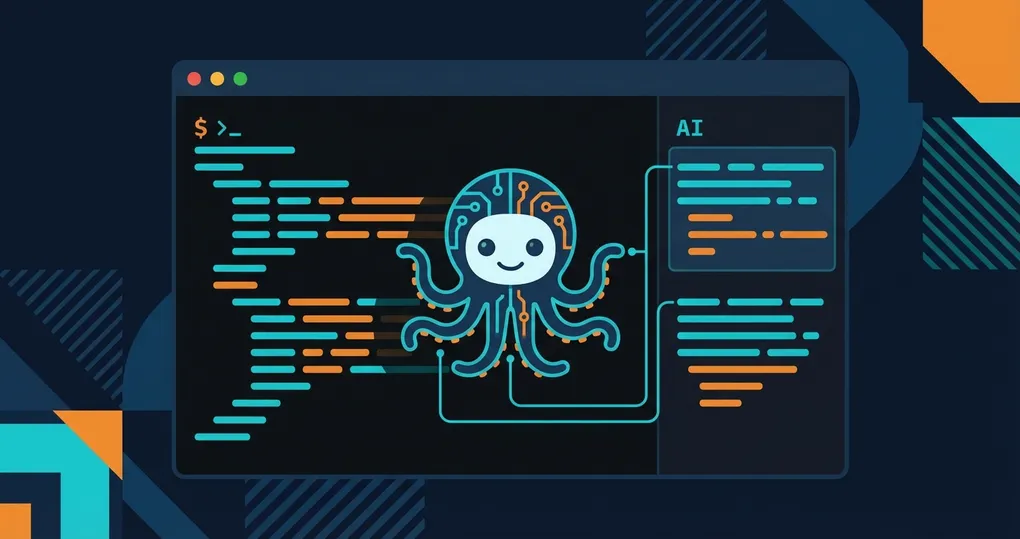
OpenCode is an open-source terminal AI coding tool, similar to an open-source alternative to Claude Code. It reads your project files, edits code, and runs commands from the command line. With OfoxAI, you can use any model through a single API key. This guide covers installation, three configuration methods, recommended models, and troubleshooting.
For the official integration reference, see the OfoxAI OpenCode integration docs.
What Is OpenCode
OpenCode is an AI coding assistant that runs in your terminal. It reasons about your codebase, edits files, and executes shell commands — all from the command line. The key difference from proprietary tools: OpenCode is open-source and provider-agnostic. You choose which LLM to use, which API endpoint to connect to, and which provider to pay.
Why Use a Custom API Provider
OpenCode supports multiple provider configurations. Routing through an aggregation platform like OfoxAI offers practical advantages:
- One key, all models. Access Claude, GPT, Gemini, Kimi, and dozens of others
- Unified billing. One dashboard, one invoice, one balance
- Consistent API format. Switching between models requires changing only the model ID
Installation
Option 1: Install Script (Recommended)
curl -fsSL https://opencode.ai/install | bashOption 2: Go Install
go install github.com/opencode-ai/opencode@latestMethod 1: OpenAI-Compatible Environment Variables
OpenCode supports OpenAI compatible mode. Two environment variables are all you need:
export OPENAI_API_KEY=<your OFOXAI_API_KEY>
export OPENAI_BASE_URL=https://api.ofox.ai/v1
Add these to your ~/.zshrc (or ~/.bashrc) and run source ~/.zshrc to apply.
Despite the “OpenAI” naming, this is a protocol — not a provider restriction. The endpoint at https://api.ofox.ai/v1 serves Claude, GPT, Gemini, Kimi, and every other model the platform supports.
Method 2: Anthropic Environment Variables
If you primarily use Claude models, you can configure Anthropic mode instead:
export ANTHROPIC_API_KEY=<your OFOXAI_API_KEY>
export ANTHROPIC_BASE_URL=https://api.ofox.ai/anthropic
Note the difference in the base URL: OpenAI-compatible uses /v1, Anthropic native uses /anthropic. Do not mix them.
Method 3: Config File (config.toml)
For more control over provider settings and default model selection, use OpenCode’s config file:
[providers.ofoxai]
api_key = "<your OFOXAI_API_KEY>"
base_url = "https://api.ofox.ai/v1"

[models.default]
provider = "ofoxai"
model = "anthropic/claude-sonnet-4.6"
Create or edit this file at ~/.config/opencode/config.toml. The [providers.ofoxai] section defines a provider named “ofoxai” with your credentials. The [models.default] section sets the default model. This method is preferable when you want a persistent default model without specifying it each time.
Verify the Configuration
After setting up any of the three methods, test with:
opencode "Hello, how are you?"If configured correctly, OpenCode will stream a response in your terminal.
Recommended Models
| Scenario | Model | Description |
|---|---|---|
| Daily coding | anthropic/claude-sonnet-4.6 | Balanced performance |
| Complex tasks | anthropic/claude-opus-4.6 | Most capable reasoning |
| Quick tasks | moonshotai/kimi-k2.5 | Low cost, high speed |
For most developers, Claude Sonnet 4.6 as the default model covers the majority of daily work. Switch to Opus 4.6 for genuinely complex problems — multi-file refactoring, architectural decisions, tricky debugging. Use Kimi K2.5 for quick format conversions, simple questions, or when you want to minimize cost.
Troubleshooting
Environment variables not taking effect
After editing ~/.zshrc, you must reload it:
source ~/.zshrcConfirm with echo $OPENAI_API_KEY — if it prints nothing, the variable was not loaded.
Connection timeouts
Test whether your network can reach the API endpoint:
curl -I https://api.ofox.ai/v1/modelsA 200 response means the network path is clear.
config.toml not being read
Ensure the file path is exactly ~/.config/opencode/config.toml. If both environment variables and the config file are present, environment variables typically take precedence.
Wrong model ID format
Model IDs must include the vendor prefix. The correct format is anthropic/claude-sonnet-4.6, not claude-sonnet-4.6.
A Note on Versioning
OpenCode is actively developed. Configuration options may change with version updates. See the OpenCode official documentation for the latest information.
Wrapping Up
OpenCode gives you an open-source, provider-agnostic terminal AI coding tool. The configuration is straightforward: environment variables for simplicity, config.toml for control. Pair it with OfoxAI, pick the right model for the job, and you have a terminal AI assistant that is not locked to any single vendor.
For OfoxAI-specific integration details, see the OfoxAI OpenCode integration guide.