One product, three scenes: does a second reference preserve the bottle better?
Compare one product reference with an added detail crop across three GPT Image scenes. Inspect six real outputs, full prompts and practical acceptance checks.
 Ofox
Ofox 
Adding another reference image did not consistently preserve our product better. With GPT Image 2.5 Flare, both the single-image and two-image requests produced the requested scenes, but the two-reference stone scene changed the bottle’s apparent scale and cap proportions more visibly. For this small test, one clean full-product reference was the more sensible starting point.
That conclusion is deliberately narrow. We tested one synthetic, unlabeled bottle, three scene prompts and one generation per condition. The second reference was a detail crop of the same image, not a different camera angle. The results cannot establish that multiple independent product photographs are generally less useful.
This workflow is for creators making a small set of product visuals and developers implementing reference-image editing. It provides all six outputs, the exact prompt structure, the reference preparation and a practical acceptance checklist.
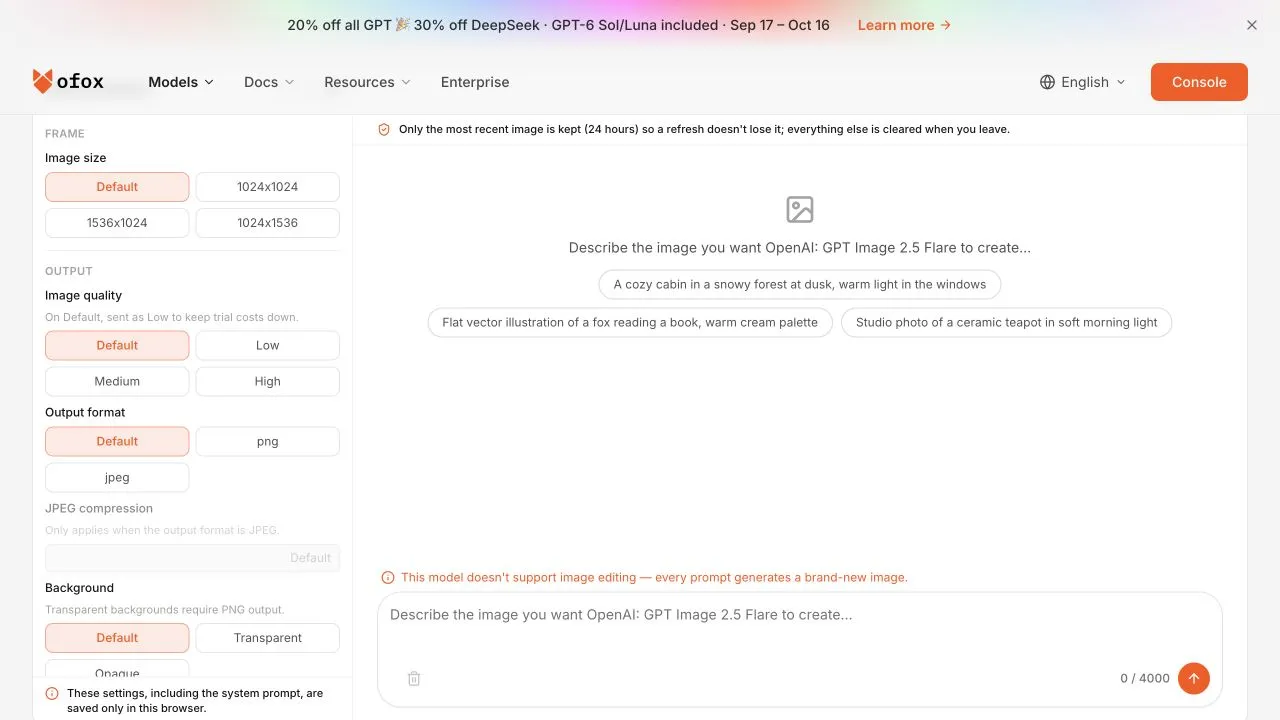
The public embedded playground captured October 12 displayed a notice that image editing was unavailable in that interface. The editing results in this article came from the API route shown below, not from this playground. Do not look for a mask or reference-upload control in this captured interface.
Prepare the source and the comparison
Our source is an amber bottle with an ivory cap, generated through Ofox in an earlier GPT Image test. It is not a customer photo and carries no brand or readable label. The input file is 1024 × 1024 pixels.
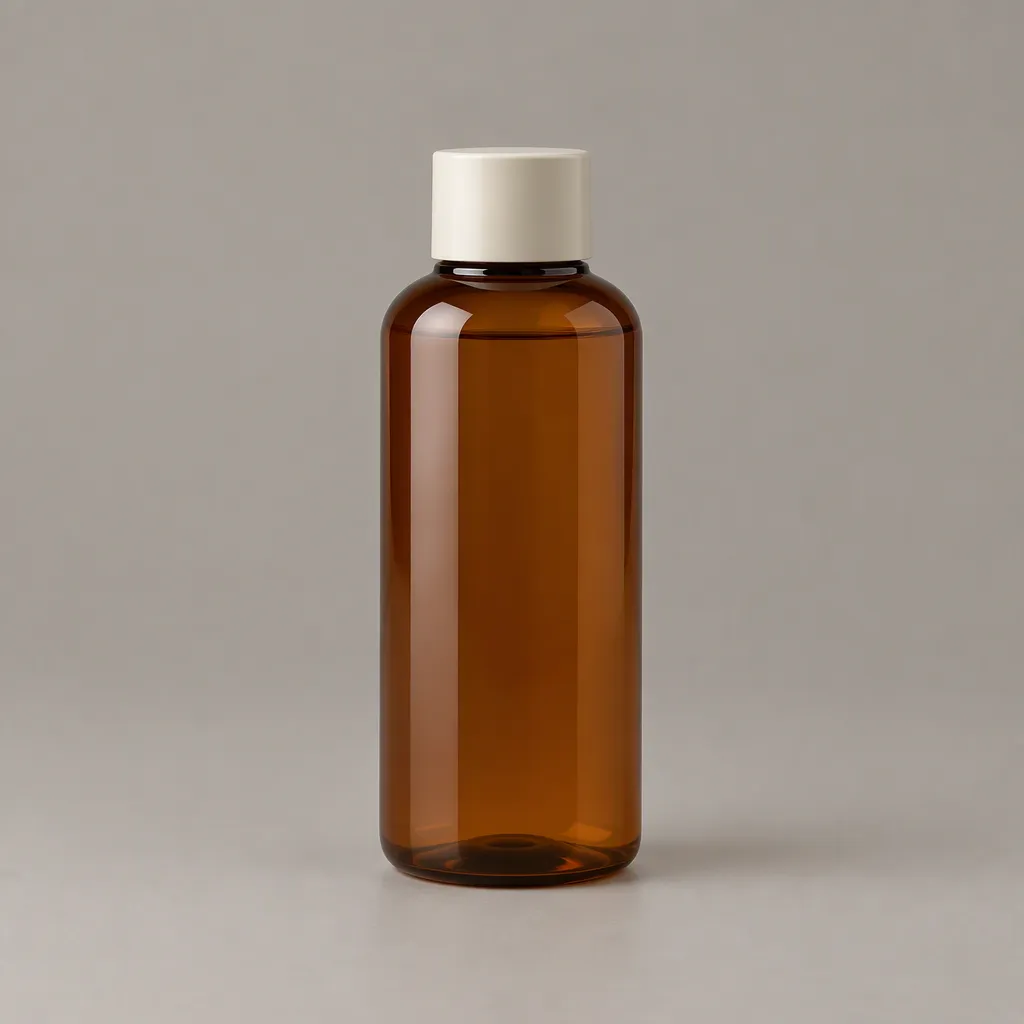
Condition A supplies this image only. Condition B supplies it first, followed by a crop with coordinates (320, 200, 720, 850) in the original. The crop highlights the bottle body and part of the cap region. It is 400 × 650 pixels and contains no new viewpoint information.
This detail matters. A crop can draw attention to an existing feature, but cannot show a hidden side of a product. Calling it “two views” would overstate the input. If your production problem is a logo on the rear face, supply a real permitted photograph of that face and evaluate that separate workflow.
We used the same prompt template in both conditions, including the sentence explaining any second reference. That keeps the textual request constant while changing the supplied images.
The full prompt template
Place this same amber bottle with the same ivory cap on {SCENE}.
Preserve bottle shape, cap shape, amber color and proportions.
Show one complete upright bottle, no text, no additional products.
The first reference is the whole product; any second reference is a
detail crop of that same image, not another product.
The three scene values were:
| Scene | Exact replacement text |
|---|---|
| Linen | an ivory linen tabletop with soft window light |
| Stone | a pale stone bathroom shelf |
| Paper | a muted sage paper studio background |
All calls used Ofox’s openai/gpt-image-2.5-flare on /v1/images/edits, size=1024x1024, n=1, and no explicit quality parameter or mask. This is not a FLUX test or a comparison between image-model families. The selected, available route was verified with actual responses before these observations were written.
Send one reference, then the paired condition
The single-reference request uses a multipart image field. Keep your credential in OFOX_API_KEY; do not include it in screenshots or shared scripts.
curl --silent --show-error --fail-with-body \
  --connect-timeout 15 --max-time 120 \
  'https://api.ofox.ai/v1/images/edits' \
  -H "Authorization: Bearer $OFOX_API_KEY" \
  -F 'model=openai/gpt-image-2.5-flare' \
  -F 'image[]=@source.png;type=image/png' \
  -F 'size=1024x1024' -F 'n=1' \
  -F 'prompt=Place this same amber bottle with the same ivory cap on an ivory linen tabletop with soft window light. Preserve bottle shape, cap shape, amber color and proportions. Show one complete upright bottle, no text, no additional products. The first reference is the whole product; any second reference is a detail crop of that same image, not another product.' \
  -o linen-one.json
For the paired two-reference condition, add another image[] field containing detail-crop.png after the source field and save to a different output filename. Keep the prompt, model and other parameters unchanged. These are billable generation requests; inspect the downloadable kit before executing its six-request scene suite.
The successful responses returned base64 PNG data. The kit saves original returned bytes and response metadata separately. If your route returns a different representation, handle it explicitly instead of saving an error object as an image. For first-time setup and response decoding, use the GPT Image API guide.
Linen: both conditions keep a recognizable bottle
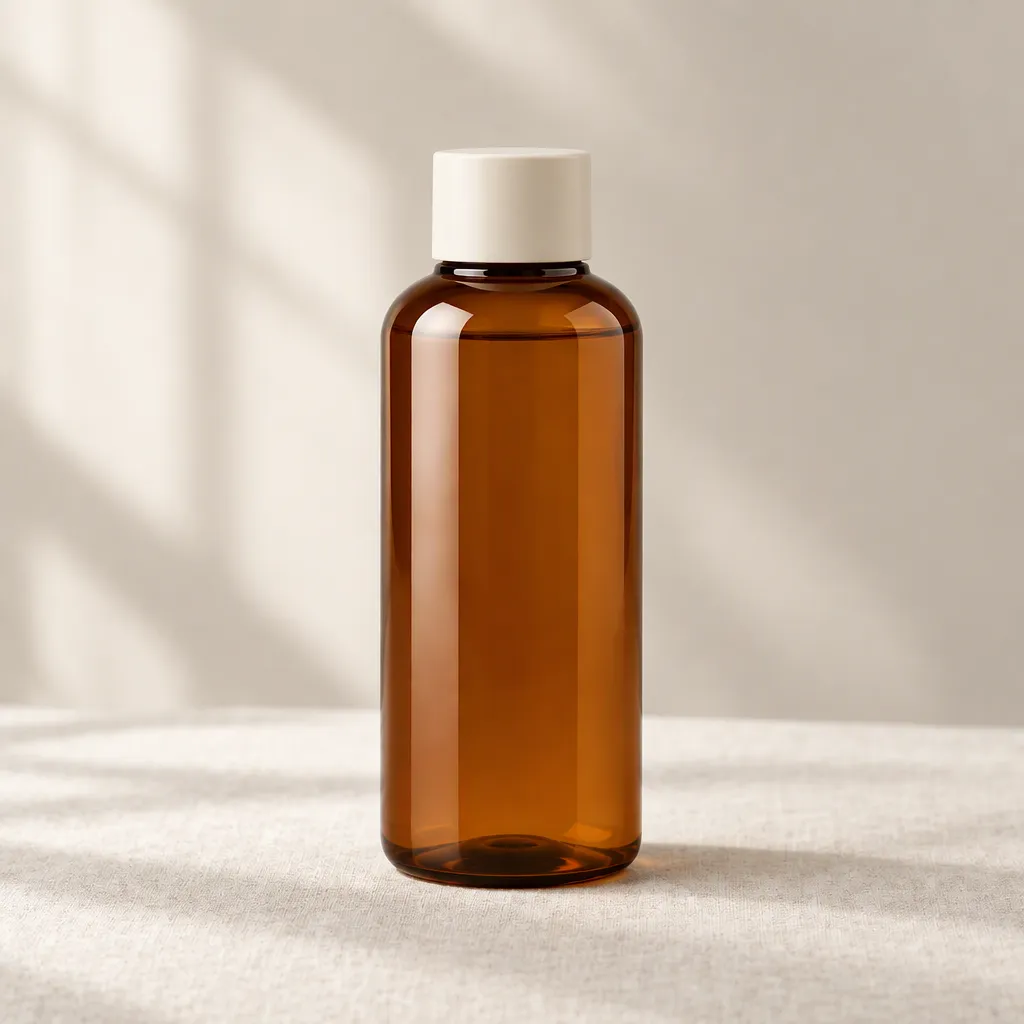
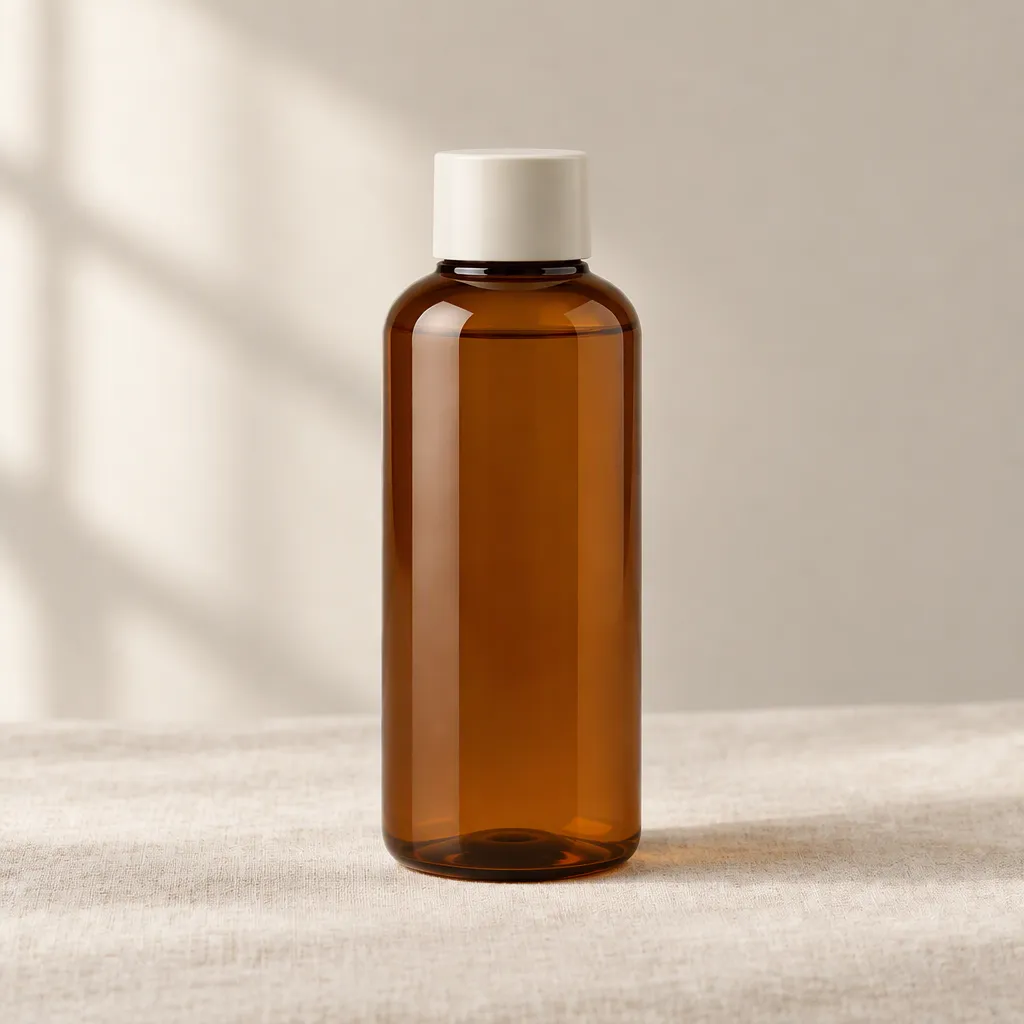
Both images show the bottle on a pale fabric surface with warm side lighting. The main amber body and ivory cap remain recognizable. The second result changes reflections and lower-body shading; it is not a pixel-identical transplant of the original.
For a mood image, either could be a candidate. For a catalog image whose dimensions and material color must match a real product, recognition alone is insufficient. Compare against an approved photograph and reject changes that alter what a buyer would receive.
Stone: the second reference did not improve this sample
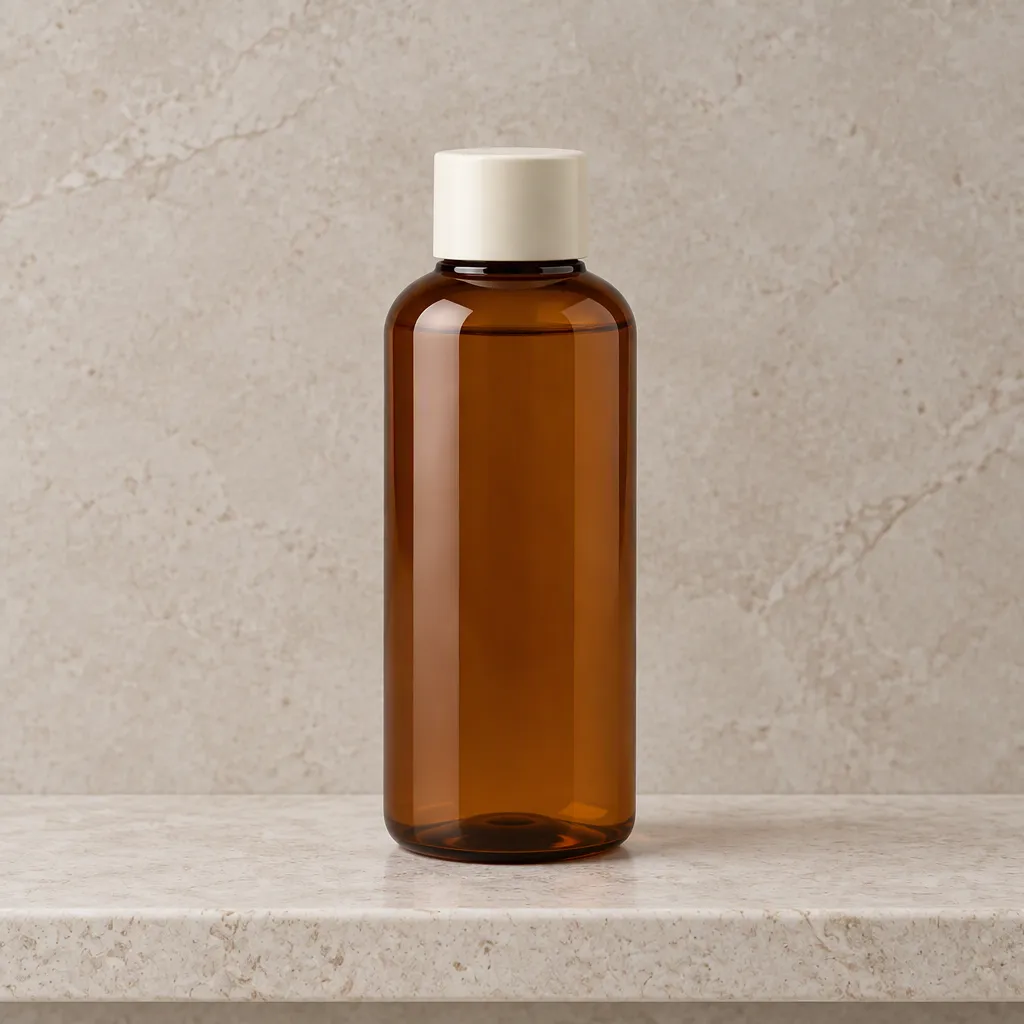
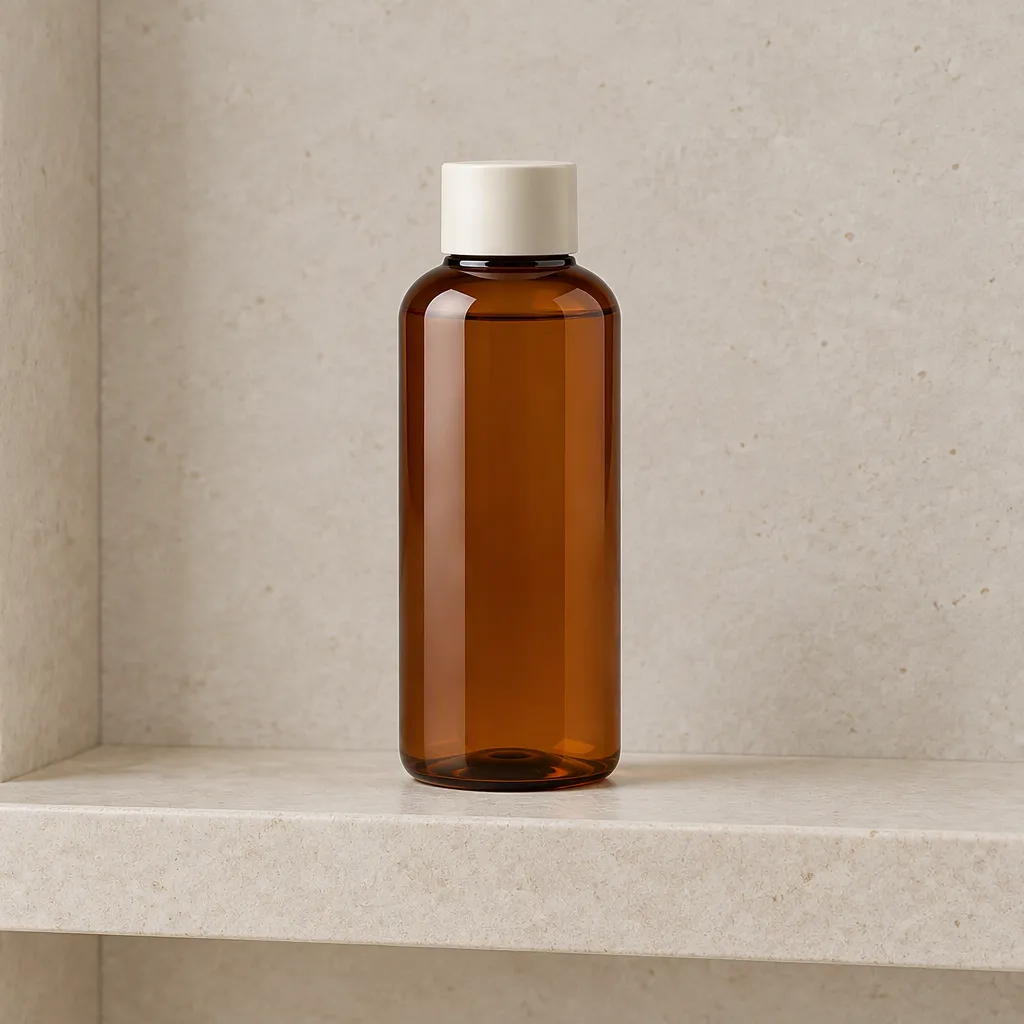
The single-reference version keeps a large bottle similar in framing to the source. The two-reference version places a smaller-looking bottle into a wider shelf composition; the cap and body proportions also look different. That conflicts with the prompt’s request to preserve proportions, even though the overall scene is plausible.
The input change and stochastic generation are both relevant. With one result per condition and no controlled seed, we cannot attribute the entire difference to the added crop. What we can say is that this particular two-reference output should not be accepted merely because more reference material was supplied.
Paper: a simpler background remains easier to inspect
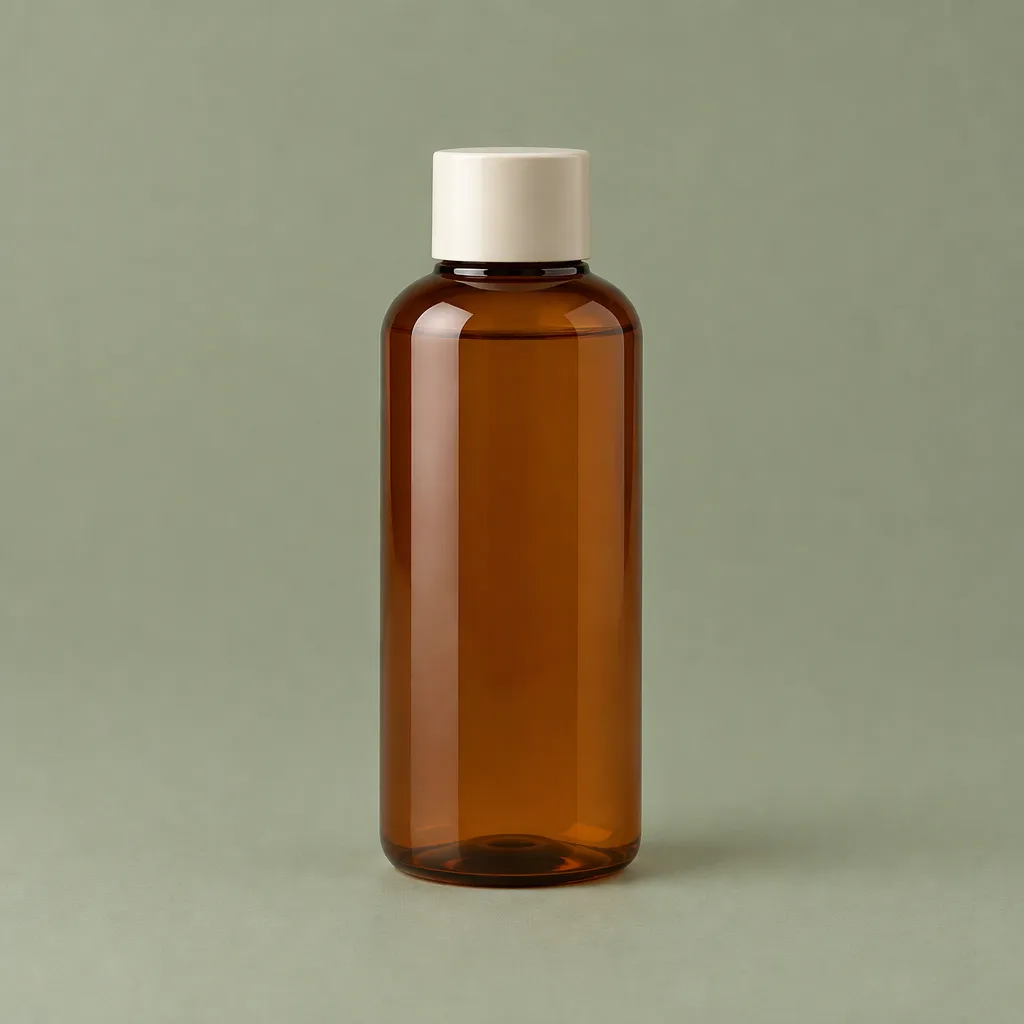
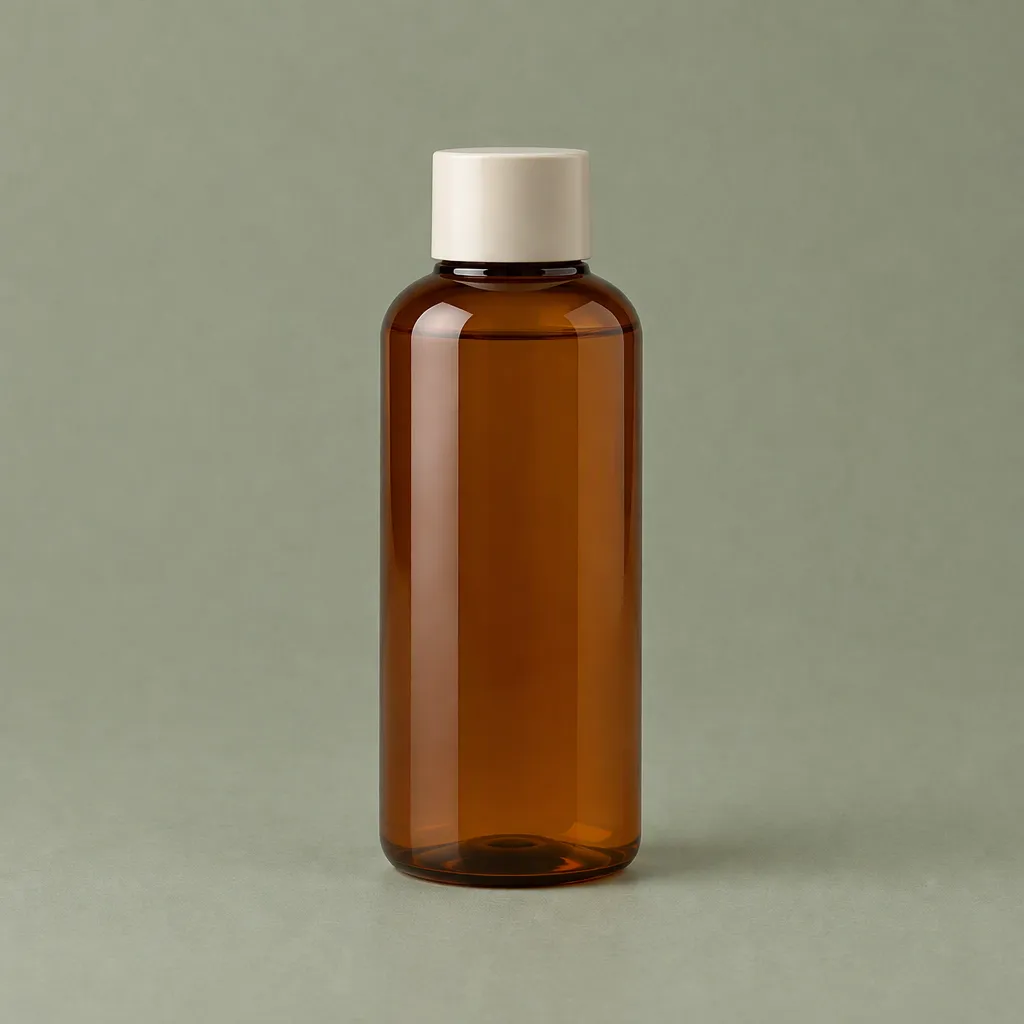
Both outputs keep the bottle large and upright against sage-colored surroundings. Differences remain in shading and fine contours. A simple background makes such differences easier to see than a busy lifestyle scene, but it does not guarantee exact preservation.
For initial workflow validation, begin with a simple scene where you can inspect the product clearly. Only then introduce complex props, perspective or multiple products. Otherwise scene quality can distract from a product that is gradually drifting away from its reference.
Accept or reject each image deliberately
Review original-resolution outputs beside the source. Our observations are visual judgments from these six samples, not blinded ratings or automated identity scores.
| Check | What to inspect | Decision rule |
|---|---|---|
| Silhouette | Shoulders, body width, base and neck | Reject unexplained shape changes |
| Cap | Width relative to body, height and edge | Reject altered packaging geometry |
| Material | Amber glass, reflections and opacity | Separate plausible lighting from a changed material |
| Composition | Complete product, scale and crop | Reject clipped or unwanted duplicate products |
| Scene | Requested surface and lighting | Reject a beautiful but wrong scene |
| Label or logo | Not present in this fixture | Add a separate real-product text test before use |
Do not turn this checklist into an unsupported “100% consistency” score. Set acceptance thresholds with the person responsible for the product imagery. For branded packaging, text accuracy and logo placement may be mandatory even when the broader composition is excellent.
If one result fails, first determine whether the problem is the scene, the input references or product drift. Change one variable for the next comparison. Adding more images without defining their roles can make the result harder to diagnose.
A practical production starting point
Use one clear approved product image, a specific scene prompt and a fixed output requirement. Save the first accepted result and record the exact model, input files and prompt. Add a second reference only when you can name the information it contributes—such as a label close-up or an alternate approved angle—and evaluate the change.
Do not chain every new scene from the previous generated output if your requirement is to preserve the original product. That would be a different multi-turn editing experiment. Our six requests each start from the same source, so scene-to-scene drift is not inherited through a chain.
If the deliverable requires exact product pixels, consider compositing the untouched product into the accepted background and inspect edges, perspective and shadows. For local changes and pixel checks, the mask tutorial shows why a plausible image is not evidence of exact preservation.
Frequently Asked Questions
- Are two references better than one?
- Not consistently in this small test. The second reference was a crop of the same image; it did not add a new viewpoint. Evaluate the actual contribution of every reference rather than counting images.
- Was this tested on a real branded product?
- No. It used a synthetic unbranded bottle. Logo, packaging text and physical product accuracy require additional permitted source material and separate acceptance checks.
- Can these results predict FLUX or Nano Banana behavior?
- No. These six outputs came from GPT Image 2.5 Flare through the specified Ofox route. Other models and routes need their own tests.