GPT-Image-2 Released: The Text-to-Image Model That Broke the Arena Leaderboard by 242 Points
OpenAI released GPT-Image-2 on April 21 2026. It scored 1,512 on Arena — 242 points ahead of Nano Banana 2, the largest gap on record.
 Ofox
Ofox 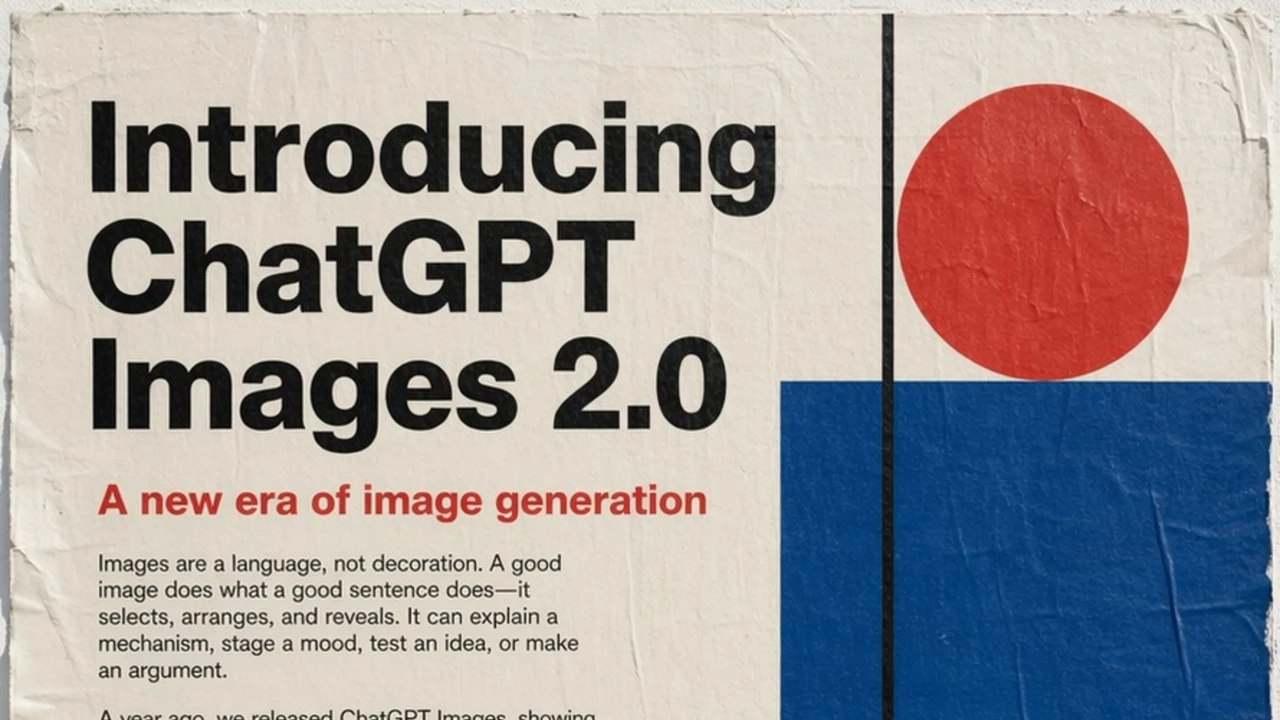
TL;DR — OpenAI shipped GPT-Image-2 on April 21 2026. Arena benchmark puts it 242 points ahead of the #2 model — the largest lead the image leaderboard has ever seen. It renders legible text in any language, holds 100+ distinct objects in one scene, and preserves faces under editing. ofox has it live at openai/gpt-image-2 — same key, same base URL, one line of code.
This article covers the April 2026 GPT Image 2 release. For GPT Image 2.5, see the Flare vs Sunburst comparison and API access guide. Existing Image 2 applications can use the migration checklist before changing models.
Why this release matters
Text-to-image has been stuck in a narrow margin for most of 2026. Google’s Nano Banana and OpenAI’s GPT-Image traded the top of the Arena leaderboard within a few dozen points while the rest of the field sat below 1,200. That stalemate ended yesterday.
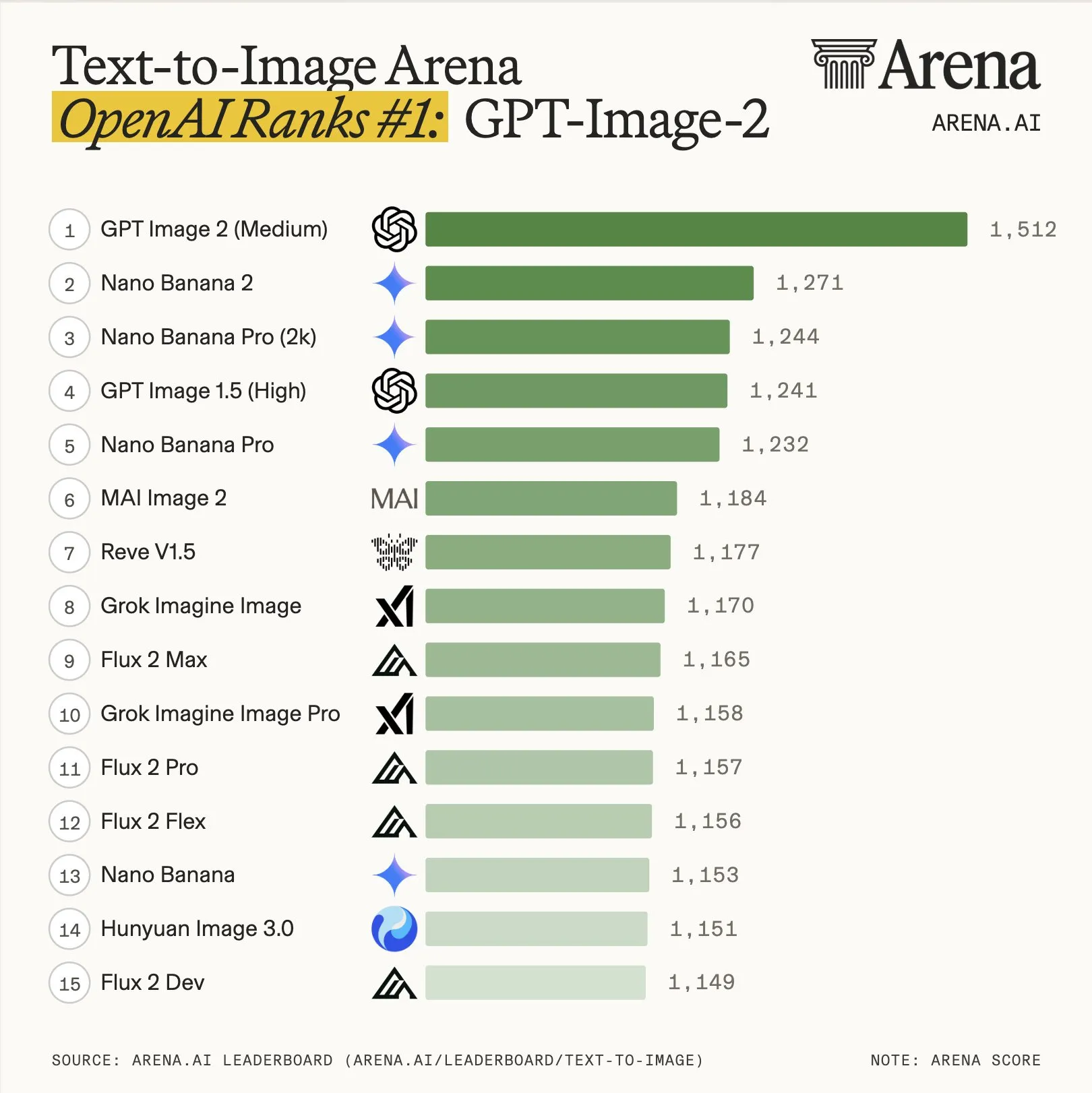
Arena Trends, Jan–Apr 2026. GPT-Image-2 scores 1,512 — the previous record gap on this leaderboard was under 100 points. Source: @arena on X
A clean sweep across every Image Arena category, with a record +242 point lead on text-to-image. The model that was neck-and-neck yesterday is now in a different tier.
What actually changed
OpenAI’s announcement page is largely a gallery — it lets the outputs do the talking. Looking at the demo set and the community tests from the past 24 hours, four capabilities explain the leaderboard gap.
1. Precision and control
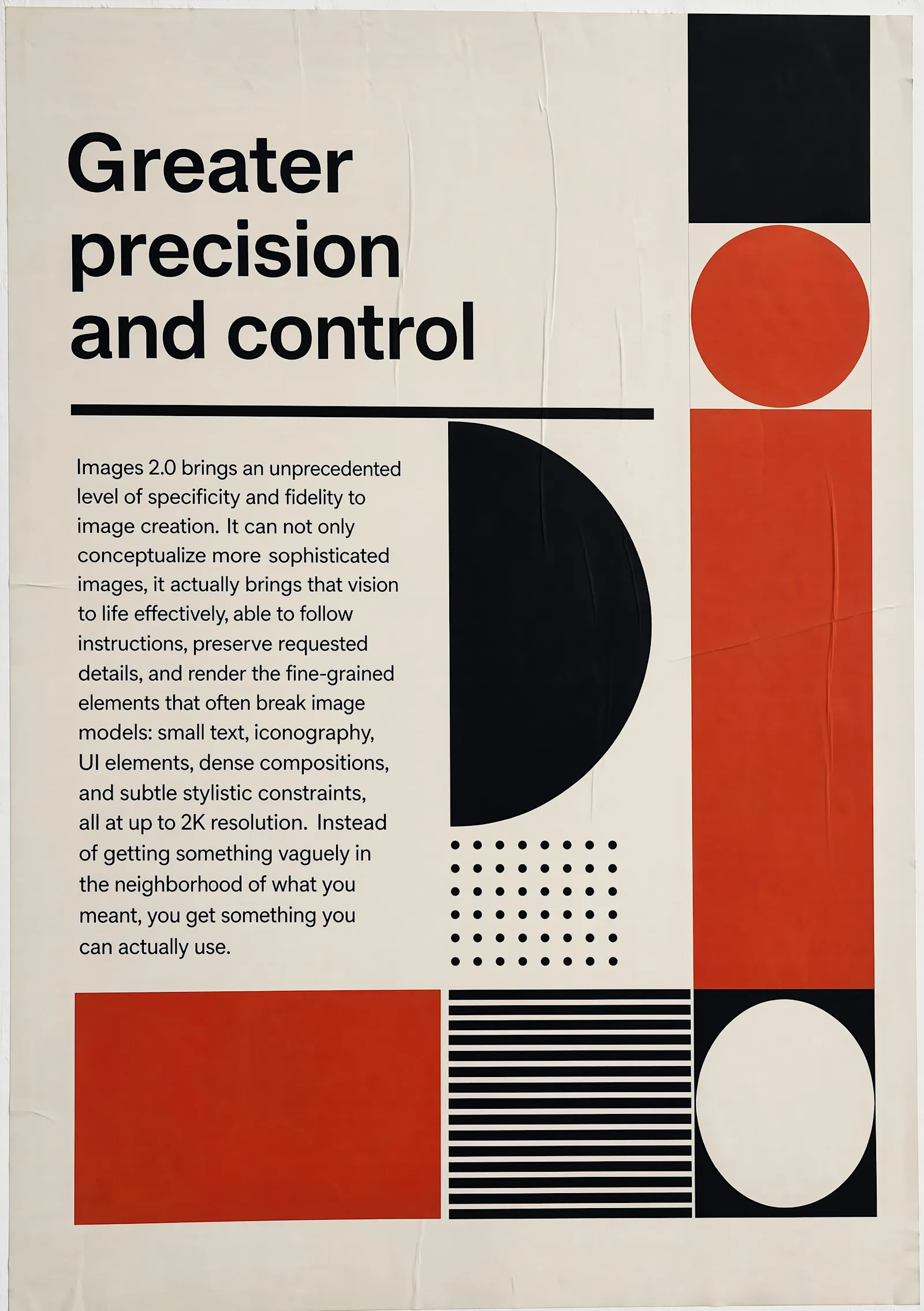
The headline capability. Prompts that previously needed two or three rounds of edits now land on the first try. This shows up most clearly in two places: exact typography placement, and “add this, keep everything else” edits where GPT-Image-1 would often drift the surrounding composition.
Face preservation under editing is part of the same improvement. You can change a subject’s clothing, background, or pose without the face becoming a different person — a problem that held back practical portrait workflows on every previous model.
2. Legible text — in any language
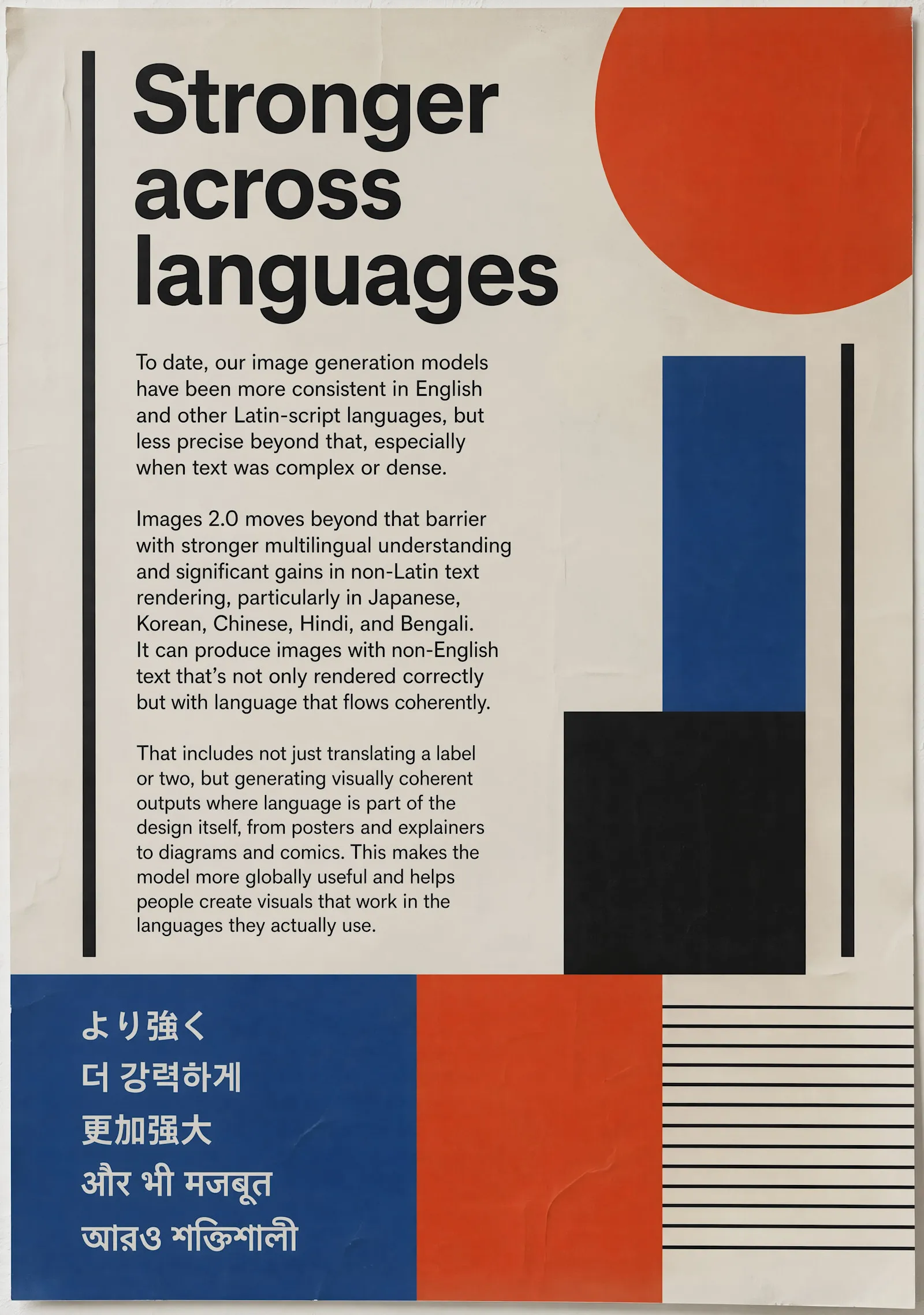
Text rendering has been the most visible weakness of image models. GPT-Image-2 clears that bar for Latin scripts and clears it for Chinese, Japanese, Korean, Arabic, and mixed-script compositions. Not “looks like text” — actually readable text.
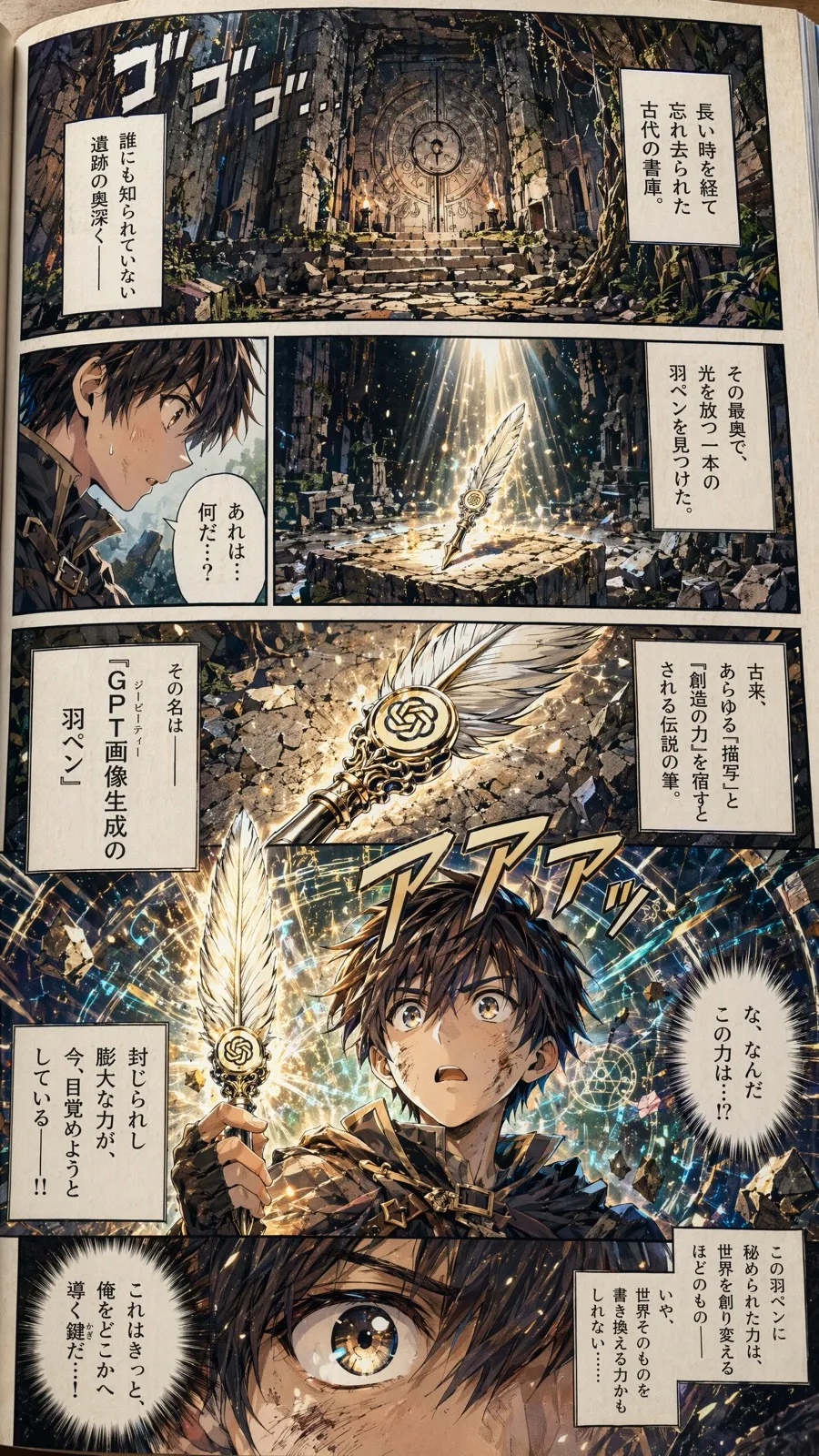
This manga page is in Japanese. The speech bubbles are not gibberish — they contain actual Japanese sentences. That is a step-function change from anything shipping in January.
3. Dense scenes — 100 objects in one image
This one is the stress test. Someone asked GPT-Image-2 for “100 elements in a scene,” and not only did it render 100 distinct items, it also listed every one of them as labeled text inside the same image.
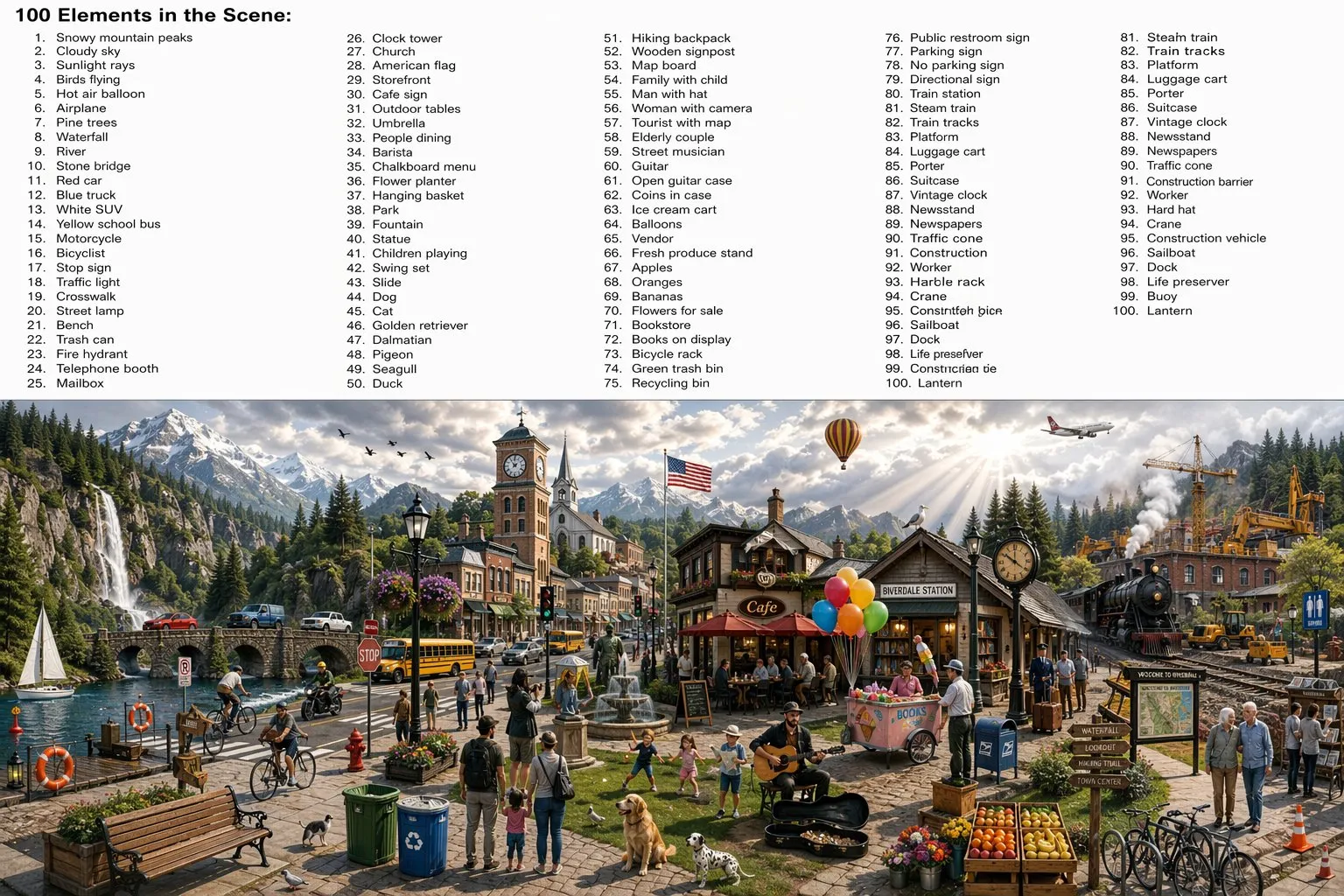
Via @Tz_2022 on X, quoting @umesh_ai. “Not only did it create a scene with 100 items, but it also listed them within the image.”
If you have ever tried to get an image model to render a specific inventory of objects, you know how hard this is. Previous models would skip items, duplicate them, or hallucinate extras. GPT-Image-2 holds all 100, keeps them visually distinct, and writes their names down in the same frame.
4. Dense scene composition — the “desktop” test
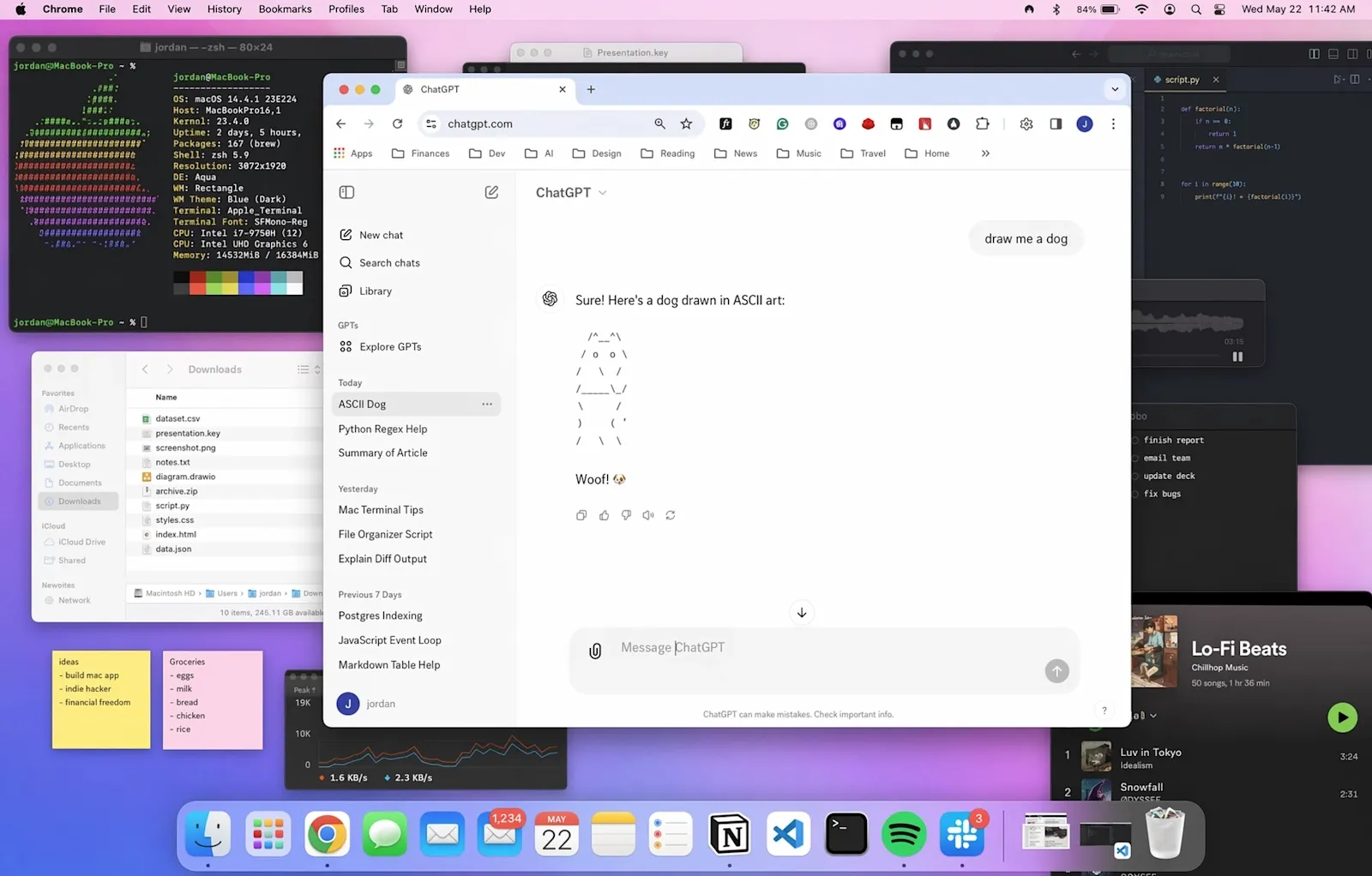
A different flavor of density — this desktop scene has dozens of open windows, each with plausible-looking UI content. File lists, code editors, a music player, ASCII art in the centered ChatGPT window. This is the kind of image that historically required Photoshop compositing because no single model could hold the detail.
5. Create everything at once
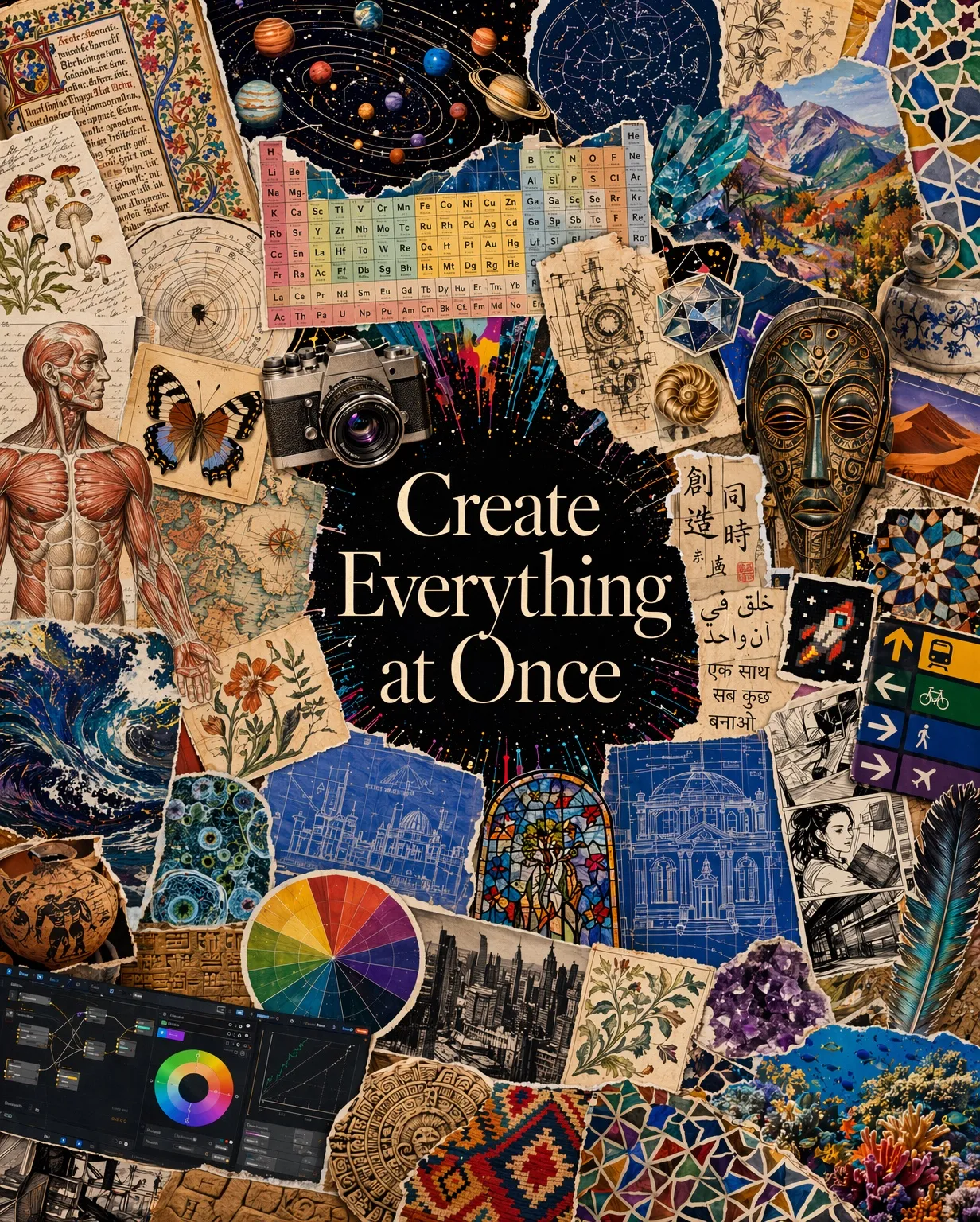
OpenAI’s internal framing is “visual polyglot” — a single model that moves between photo, illustration, infographic, comic, typography, and technical diagram without losing quality in any mode. Previous image models tended to be strong in one style and weak in others.
How to use it via ofox
ofox supports GPT-Image-2 from day one. If you already have an ofox key, this is one line of code.
from openai import OpenAI

client = OpenAI(
    api_key="YOUR_OFOX_API_KEY",
    base_url="https://api.ofox.ai/v1"
)

response = client.images.generate(
    model="openai/gpt-image-2",
    prompt="An editorial magazine cover in Bauhaus style, bold red and black typography, the text 'GPT IMAGE 2' in large letters",
    size="1024x1024"
)
print(response.data[0].url)
Editing with face preservation:
response = client.images.edit(
    model="openai/gpt-image-2",
    image=open("portrait.png", "rb"),
    prompt="Change the jacket to navy blue, keep everything else including the face exactly the same",
    input_fidelity="high"
)
cURL if you prefer:
curl https://api.ofox.ai/v1/images/generations \
  -H "Authorization: Bearer $OFOX_API_KEY" \
  -H "Content-Type: application/json" \
  -d '{
    "model": "openai/gpt-image-2",
    "prompt": "A scene containing 100 distinct objects, each clearly visible, with a labeled list of all 100 items rendered inside the image",
    "size": "1536x1024"
  }'
No ofox key yet? Sign up at ofox.ai — one key covers GPT-Image-2, Claude, GPT-5.4, Gemini 3.1, Kimi K2.6, and the rest.
Pricing
| Item | Price |
|---|---|
| Input text | $5 / M tokens |
| Output text | $30 / M tokens |
| Input image | $8 / M tokens |
| Output image | $30 / M tokens |
| Prompt cache read | $1.25 / M tokens |
| Image cache | $2 / M tokens |
Pay-as-you-go, no monthly minimum. See the GPT-Image-2 model page for current rates and supported sizes.
When to use it — and when not to
Use GPT-Image-2 when:
- Legible text is part of the output (posters, infographics, comics, UI mockups, packaging)
- The scene needs many distinct elements held consistent
- You are editing an existing image and cannot afford face or composition drift
- You need multilingual text — especially CJK or mixed-script layouts
Other models may still be a better fit when:
- You need the cheapest possible rate for bulk, low-complexity generation — check Gemini’s Nano Banana or Doubao Seedream on the ofox model catalog
- Latency is more important than quality — smaller models finish faster
- Your workflow is locked to a specific model’s style fingerprint
Community reactions
In the 24 hours since launch, the outputs people are generating make it clear why the Arena gap is 242 points rather than the usual 20. One community test went viral for generating a realistic Chinese WeChat-style feed — full interface, rendered Chinese text, believable timestamps and avatars, all from a short prompt (Michael Anti on X).
The 100-object test above is another stress case that no previous model passed cleanly.
Getting started
- Sign up or log in at ofox.ai
- Grab your API key from the dashboard
- Point any OpenAI-compatible SDK at
https://api.ofox.ai/v1 - Use model ID
openai/gpt-image-2
That is the entire integration. If you are already calling GPT-Image-1 through ofox, changing the model string is the only code change.
Related reading
Frequently Asked Questions
- What is GPT-Image-2?
- GPT-Image-2 is OpenAI's latest text-to-image model, released April 21 2026. It improves precision and control, renders legible text (including non-Latin scripts), preserves faces under editing, and can produce dense scenes with many objects in a single image. On the Arena text-to-image leaderboard it scored 1,512, 242 points ahead of the #2 model — the largest gap on record.
- How do I access GPT-Image-2 via ofox?
- Set your base URL to https://api.ofox.ai/v1 and use your existing ofox API key. The model ID is openai/gpt-image-2. It is compatible with the OpenAI Python SDK — use client.images.generate(model="openai/gpt-image-2", ...). No new account or key required.
- How much does GPT-Image-2 cost on ofox?
- Input text: $5/M tokens. Output text: $30/M tokens. Input image: $8/M tokens. Output image: $30/M tokens. Prompt cache read: $1.25/M. Image cache: $2/M. Pay-as-you-go, no monthly fee.
- What makes GPT-Image-2 different from GPT-Image-1 or Nano Banana 2?
- Three things stand out: much better legible text rendering across languages, face preservation during edits, and high-density scene composition (users have generated single images containing 100 distinct named objects). On Arena's text-to-image leaderboard it leads #2 (Nano Banana 2 with web search) by 242 points.