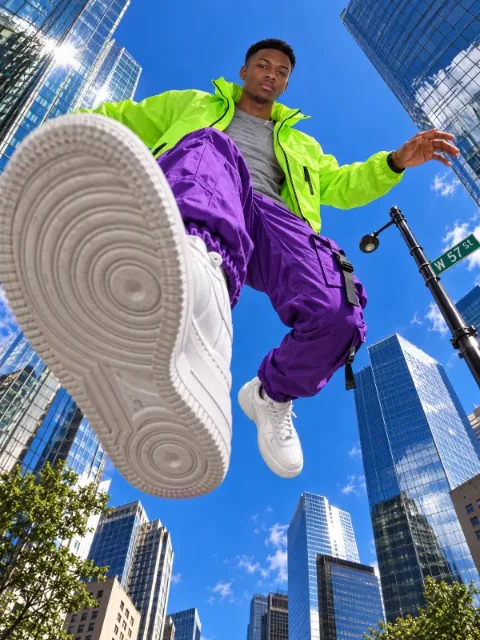

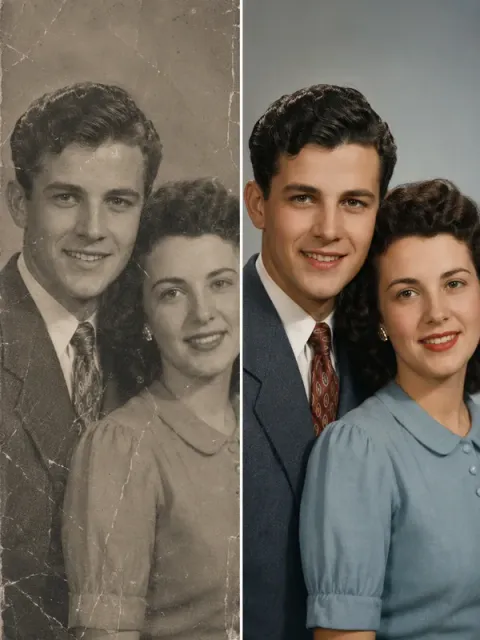

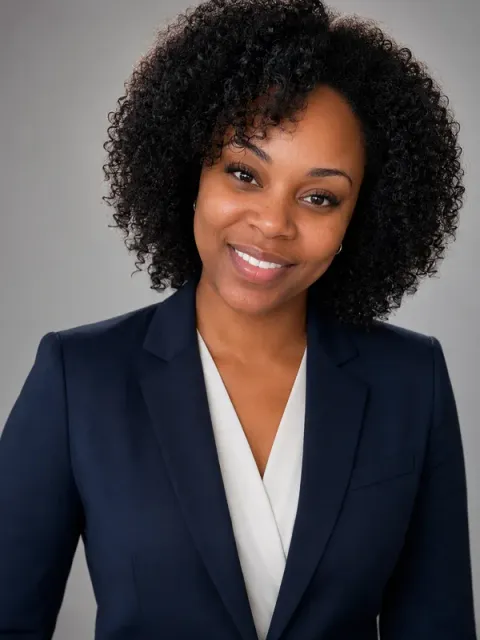


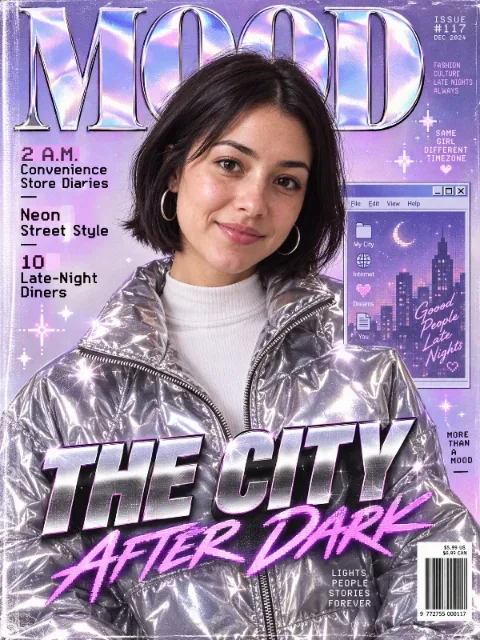

Turn one sentence into an image, a video, a doc, a spreadsheet, or a web page
Make what you want with Ofox Chat.
How it works
- 1
Pick one you like
Browse the results and open any one to see its full prompt.
- 2
Tap “Make one like this”
Ofox Chat opens with the prompt ready. Upload your photos or edit it if needed.
- 3
Send and create
Send it and Ofox Chat creates your version. Keep chatting to refine it.
FAQ
What are Ofox Templates?
A curated collection of templates, each with its full prompt and a real result — 448 templates across 28 categories so far.
Are the prompts free to use?
Yes. You can browse and copy every prompt for free.
How do I make one like this?
Open any piece and tap “Make one like this”. Ofox Chat opens with the prompt and template filled in; if photos are needed you’ll be asked to upload them, then just send.
Can I use the prompts in other tools?
Yes. Copied prompts are plain text and work in other AI generation tools too, though results vary by model.
About Ofox Templates
A curated collection of templates, each with its full prompt and a real result. Find one you like, tap “Make one like this”, and Ofox Chat picks up the same idea — swap in your own material and details to create your version.
Have an idea of your own? Start creating
Describe the image you want in one sentence, and Ofox Chat creates it from scratch.