Generate Content
Call Google Gemini models through the Gemini native protocol. OfoxAI is compatible with the Google GenAI SDK.
Endpoint
POST https://api.ofox.ai/gemini/v1beta/models/{model}:generateContent
POST https://api.ofox.ai/gemini/v1beta/models/{model}:streamGenerateContent
Authentication
The Gemini protocol uses the x-goog-api-key header:
x-goog-api-key: <your OFOXAI_API_KEY>Request Examples
cURL
curl "https://api.ofox.ai/gemini/v1beta/models/google/gemini-3.1-flash-lite:generateContent" \
  -H "x-goog-api-key: $OFOX_API_KEY" \
  -H "Content-Type: application/json" \
  -d '{
    "contents": [
      {
        "parts": [{"text": "用 Python 实现一个简单的 Web 服务器"}]
      }
    ]
}'Streaming
Python
response = client.models.generate_content_stream(
    model="google/gemini-3.1-flash-lite",
    contents="写一篇关于 AI 的文章"
)

for chunk in response:
print(chunk.text, end="", flush=True)Multimodal Input
Gemini natively supports multimodal input, including images, audio, and video:
import base64

# Image analysis
with open("photo.jpg", "rb") as f:
    image_data = base64.b64encode(f.read()).decode()

response = client.models.generate_content(
    model="google/gemini-3.1-flash-lite",
    contents=[
        {"text": "描述这张图片的内容"},
        {"inline_data": {"mime_type": "image/jpeg", "data": image_data}}
    ]
)
Generate & edit images
Under the Gemini native protocol, generateContent is a single endpoint that handles both image generation (text → image) and image editing (image + text → image). Recommended model: google/gemini-3.1-flash-image.
POST https://api.ofox.ai/gemini/v1beta/models/google/gemini-3.1-flash-image:generateContentYou can also call the same model for generation through the OpenAI-compatible endpoint, but image editing is only available via the Gemini native protocol.
Generate: text → image
Python
from google import genai

client = genai.Client(
    api_key="YOUR_OFOX_API_KEY",
    http_options={"api_version": "v1beta", "base_url": "https://api.ofox.ai/gemini"},
)

resp = client.models.generate_content(
    model="google/gemini-3.1-flash-image",
    contents="A simple red apple on a white table, photorealistic",
)

for part in resp.candidates[0].content.parts:
    if part.inline_data and part.inline_data.data:
        with open("output.png", "wb") as f:
            f.write(part.inline_data.data)
breakSample output:

Edit: image + text → image
Pass the source image as inlineData alongside the text instruction in parts:
Python
from google import genai
from google.genai import types

client = genai.Client(
    api_key="YOUR_OFOX_API_KEY",
    http_options={"api_version": "v1beta", "base_url": "https://api.ofox.ai/gemini"},
)

with open("apple.png", "rb") as f:
    image_bytes = f.read()

resp = client.models.generate_content(
    model="google/gemini-3.1-flash-image",
    contents=[
        "把苹果改成绿色,其他保持不变",
        types.Part.from_bytes(data=image_bytes, mime_type="image/png"),
    ],
)

for part in resp.candidates[0].content.parts:
    if part.inline_data and part.inline_data.data:
        with open("apple_edited.png", "wb") as out:
            out.write(part.inline_data.data)
breakBefore / after:
| Original | Edited |
|---|---|
| 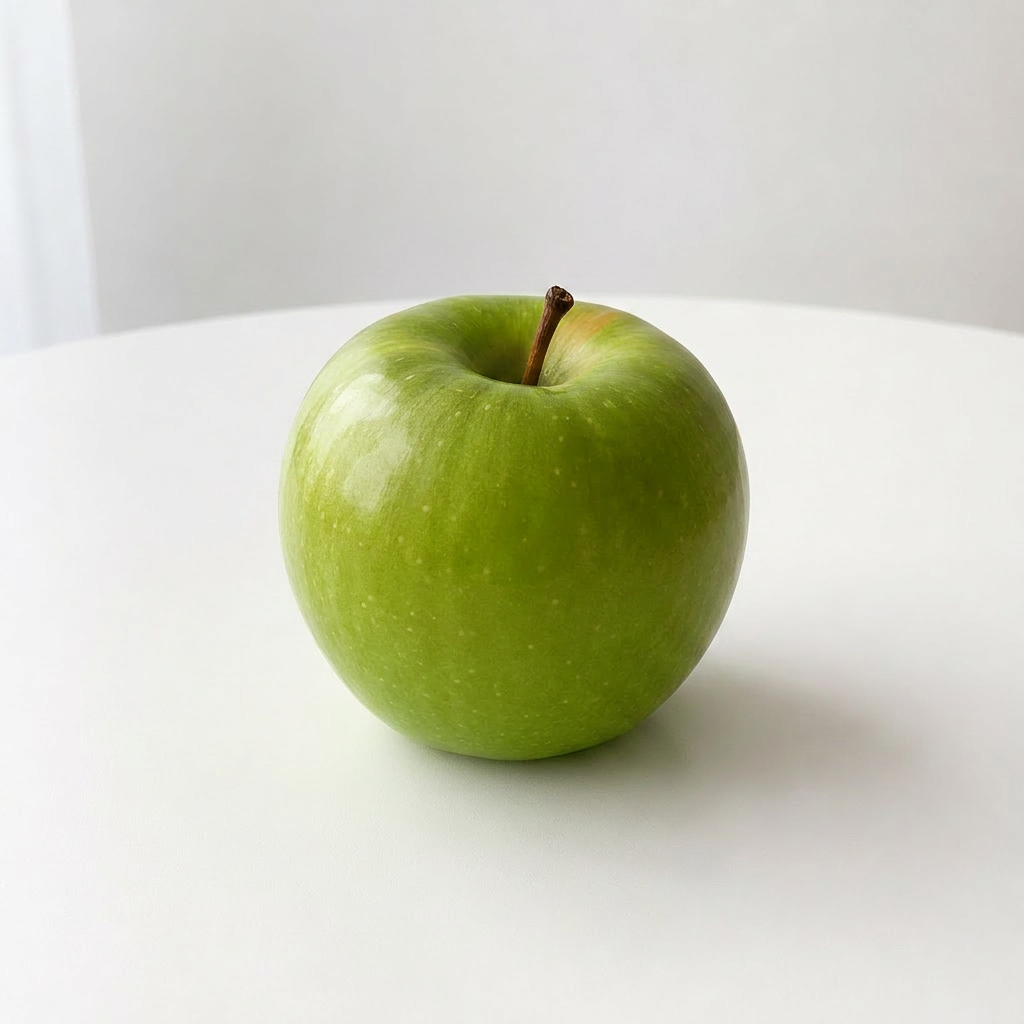 |
Response
{
  "candidates": [{
    "content": {
      "role": "model",
      "parts": [
        { "text": "...", "thought": true },
        { "inlineData": { "mimeType": "image/png", "data": "<image Base64>" } }
      ]
    },
    "finishReason": "STOP"
  }],
  "modelVersion": "google/gemini-3.1-flash-image",
  "usageMetadata": {
    "promptTokenCount": 1097,
    "candidatesTokenCount": 1120,
    "thoughtsTokenCount": 1306,
    "totalTokenCount": 3523,
    "candidatesTokensDetails": [
      { "modality": "IMAGE", "tokenCount": 1120 }
    ]
  }
}- The image is in
candidates[0].content.parts[].inlineData.dataas a Base64 string partsmay include severaltextentries withthought: truereasoning — iterate and pick out onlyinlineData- In
usageMetadata.candidatesTokensDetails, thetokenCountformodality: IMAGEis the image-output cost
Supported Models
The table below lists common picks. For the complete list of available models, see:
- Programmatic: GET /gemini/v1beta/models — query the live set of models on your account
- Browse: Model Catalog — visual search with pricing
| Model | Description |
|---|---|
google/gemini-3.1-pro-preview | Gemini 3.1 Pro — Most capable reasoning |
google/gemini-3.1-flash-lite | Gemini 3.1 Flash Lite — Fast and cost-effective |
google/gemini-3.1-flash-image | Gemini 3.1 Flash Image — Image generation and editing |
OfoxAI’s Gemini protocol supports the major features of the Google GenAI SDK, including Function Calling, Code Execution, Grounding, and image generation and editing.