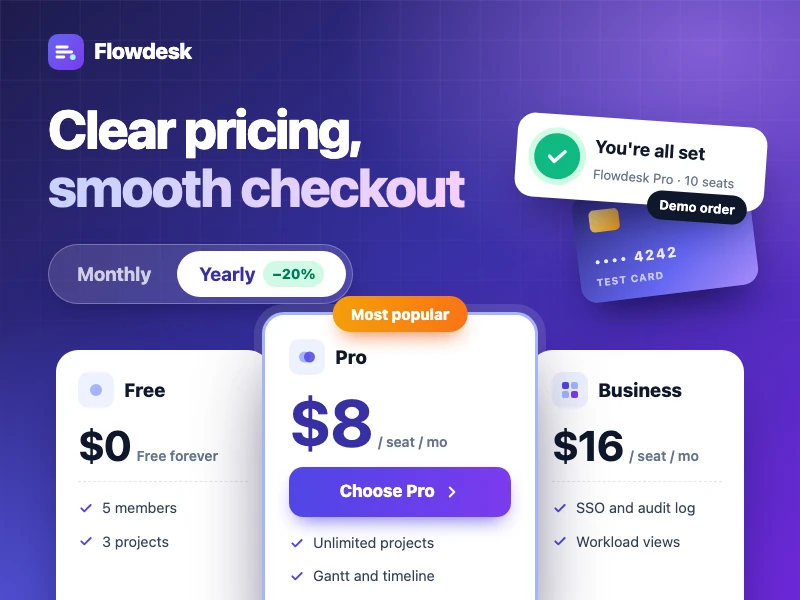
SaaS pricing & checkout
A SaaS pricing page with plan comparison, monthly / yearly billing and per-seat pricing, plus a complete demo checkout — great on phones too.
Prompt
Build a pricing and checkout site for Flowdesk, a team task and project tool that brings tasks, projects and conversations into one workspace. The goal is to help visitors quickly see how the plans differ and buy without friction: a hero with a clear value proposition; Free, Pro, Business and Enterprise plan cards with the recommended plan highlighted, a monthly / yearly toggle and per-seat pricing by team size; a full feature comparison table and an FAQ; a footer with live chat, email and help center links; and a checkout flow of choose plan, account and team details, payment details (demo only, no real data collected), order summary with a promo code field, and finally a success page. Style: clean and conversion-focused with an indigo accent, mobile-friendly.
- Quelle
- Ofox
So funktioniert’s
- 1
Auf „Genauso erstellen“ tippen
Ofox Chat öffnet sich mit dieser Anfrage bereits ausformuliert. Melde dich vorher an, falls nötig.
- 2
Anpassen
Ändere die markierten Stellen im Prompt und setze deine eigenen Details ein.
- 3
Senden und erstellen
Sende ihn ab – Ofox Chat schreibt und startet den Code, danach kannst du das Ergebnis ansehen oder herunterladen. Chatte weiter, um etwas zu ändern.
Häufige Fragen
Was bekomme ich?
Eine Webseite, die du sofort öffnen kannst. Ofox Chat schreibt den Code und prüft ihn in einer Sandbox; das Ergebnis siehst du direkt im Chat, die Code-Dateien kannst du herunterladen.
Muss ich programmieren können?
Nein. Beschreib in eigenen Worten, was du brauchst, und lade die Dateien hoch, die verarbeitet werden sollen – Ofox Chat schreibt und startet den Code.
Kann ich den Prompt bearbeiten?
Ja. Der Prompt landet im Eingabefeld von Ofox Chat – vor dem Senden kannst du das Thema durch dein eigenes ersetzen, Anforderungen ergänzen oder Unnötiges streichen.
Kann ich den Prompt direkt kopieren und verwenden?
Ja. Tippe auf „Kopieren“ auf der Prompt-Karte, um den reinen Text zu erhalten – er funktioniert auch in anderen KI-Coding-Tools.
Ähnliche Ergebnisse
Mehr Webseiten-Prompts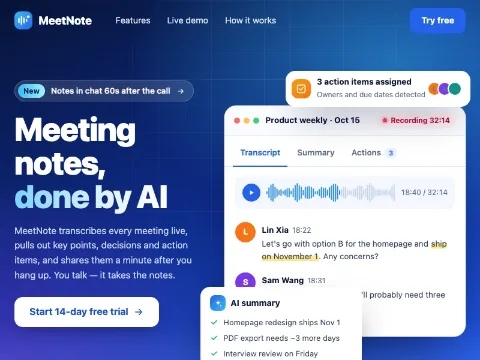 Product landing pageCode · Webseiten
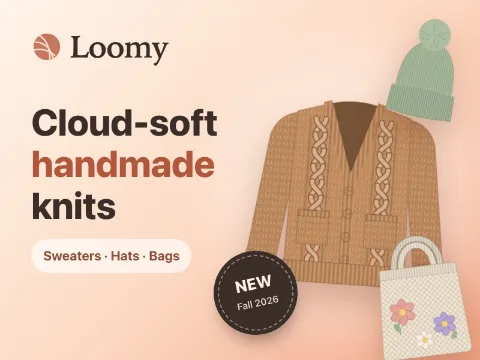 Fashion brand storeCode · Webseiten
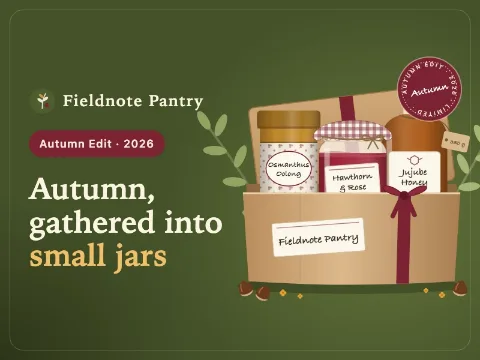 Food gift shopCode · Webseiten
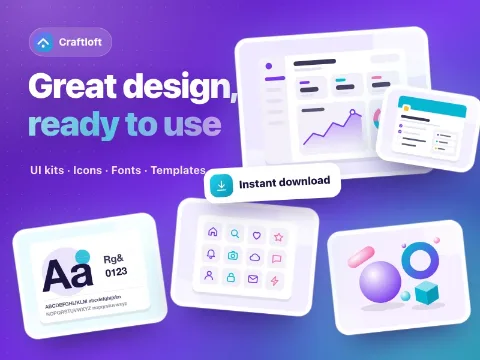 Digital goods marketplaceCode · Webseiten
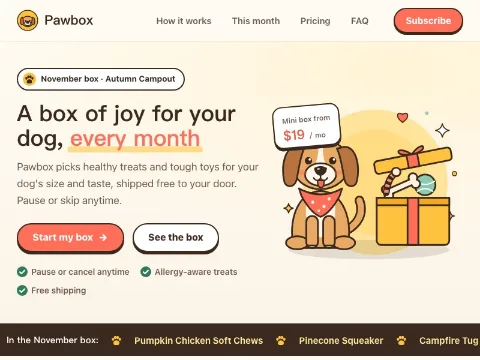 Subscription box siteCode · Webseiten
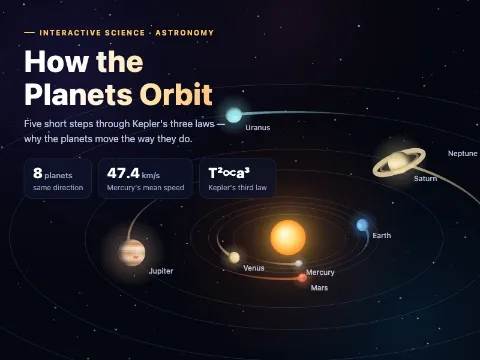 Interactive science demoCode · Webseiten
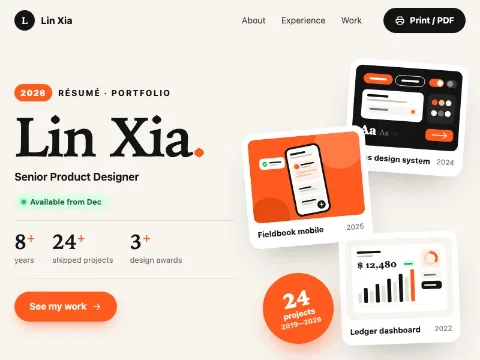 Resume websiteCode · Webseiten
 Web mini gameCode · Game
 Racing gameCode · Game
 Space shooterCode · Game
Eigene Idee? Leg direkt los
Beschreibe dein Wunschbild in einem Satz – Ofox Chat erstellt es von Grund auf.