Five spaces, no cuts
Deck, slide, pool, dining room, engine room. Watch whether the transitions flow and the spatial logic holds.
bytedance/seedance-2.5Start from one shot, and set the idea in motion.
Create short clips from text, images or video references. See real samples first, pick your settings and budget, then plug the same task into your product.
Seedance 2.5 is ByteDance's next-generation multimodal video creation model from the Doubao line, released on 2026-08-07. It accepts mixed text, image, video, and audio input — up to 30 images, 10 videos, and 10 audio clips, for 50 reference assets in total — and covers text-to-video, image-to-video, and video-to-video generation. Clips can run any whole number of seconds from 4 to 30, at 480p, 720p, or 1080p resolution (720p by default), with six aspect ratios plus an adaptive option. Output carries synchronized audio by default, and prompts can be written in multiple languages. This generation improves instruction following, multi-shot narrative, and long-range temporal consistency. Accessible via the OpenAI-compatible protocol.
One take through an entire cruise ship
Down the deck slide into the pool, through the dining room, kitchen and engine room, out over the wake — does an uncut long take stay coherent?
# 1. Create the generation task — keep the returned idcurl https://api.ofox.ai/v1/videos \ -H "Authorization: Bearer $OFOX_API_KEY" \ -H "Content-Type: application/json" \ -d '{ "model": "bytedance/seedance-2.5", "prompt": "Continuous single take, camera tilting, rolling, spinning, flying through a colossal luxury cruise ship. Starts flying over the sunny upper deck dodging beach balls and sunbathers, camera dives straight down a twisting, translucent water slide, gliding past screaming children before splashing into the main pool. Sweeps underwater, effortlessly passing through a glass floor directly into the elegant grand dining room below, weaving through crystal chandeliers, clinking champagne glasses, and waiters balancing silver trays. Camera dives past the spinning kitchen doors into the humming, immaculate engine control room, transitions out the stern exhaust vent, gliding over the churning, foamy white wake as the sun sets over the ocean. No cuts, impossible camera moves, seamless transitions, energetic, dynamic, cinematic. 8K high definition, high quality footage.", "duration": 15, "resolution": "720p", "aspect_ratio": "16:9", "generate_audio": false, "provider": { "type": "byteplus" }}' # Or: "provider": { "type": "volcengine" } # 2. Poll with that id until status is completed / failed / cancelled / expiredcurl https://api.ofox.ai/v1/videos/$TASK_ID \ -H "Authorization: Bearer $OFOX_API_KEY" # 3. Read mirror_urls[0] (persistent), or unsigned_urls[0] (expires in ~24h)Understand the model before picking an entry point
Seedance 2.5 is ByteDance's video generation model. It turns scene descriptions and reference media into moving shots, with synchronized audio; access it on Ofox through the unified video task API.
With no assets, describe the action and camera in words. With a subject image, first decide whether you need to lock the opening frame or only borrow the subject and style. With a video, spell out the motion you want to reference.
Text → video
Best for validating a visual direction first. Describe the subject, action, scene and camera — no reference assets needed.
Check first:Is the subject clear and the action complete?
Image → video
The first frame sets where the shot starts; the last frame constrains where it ends. Ordinary reference images instead guide subject and style — a different role.
Check first:Start and end frames, subject detail, the transition.
Video → reference generation
Best for conveying motion, framing or pacing intent. Say what to reference and what to change — not just “make it like this”.
Check first:Is the motion right, and is the reference misused?
4–30s
Any whole number of seconds, up to 30s per clip
1080p
Up to 1080p, 720p by default
7aspect ratios
Audio
Picture and sound in one pass, on or off
3inputs
More reference media doesn't mean more control. State what each asset is for: who the subject is, where the scene is, which motion must be kept. Don't let several conflicting descriptions fight over the same shot.
bytedance/seedance-2.5Model capability, provider support and API constraints are three different layers. Reference counts, media sizes and available combinations depend on the endpoint you use; the workspace only demonstrates a single video reference or first/last frames and doesn't treat the model's advertised maximums as form capabilities.
Results you can see
6 different tasks, 6 original prompts. Look at motion, materials and people, then decide whether it fits your project.
Deck, slide, pool, dining room, engine room. Watch whether the transitions flow and the spatial logic holds.
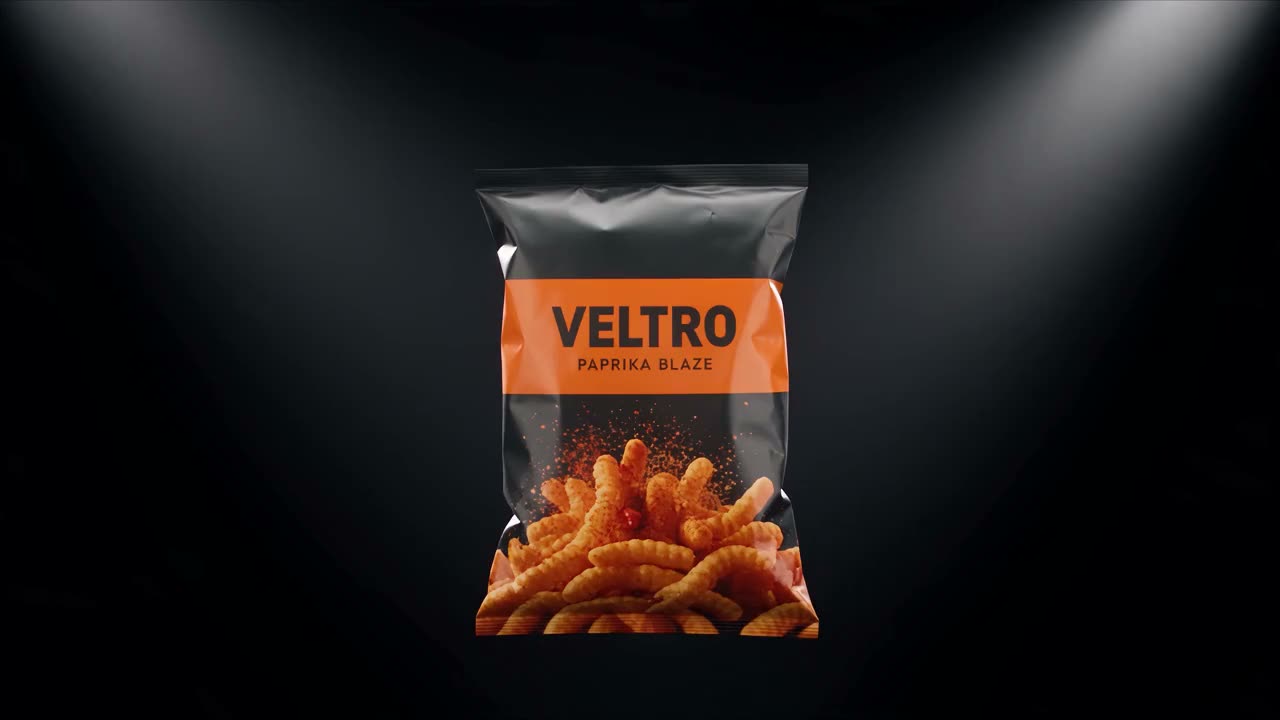
The prompt is two short paragraphs. Judge the lighting, layering and clean-background finish for e-commerce use.
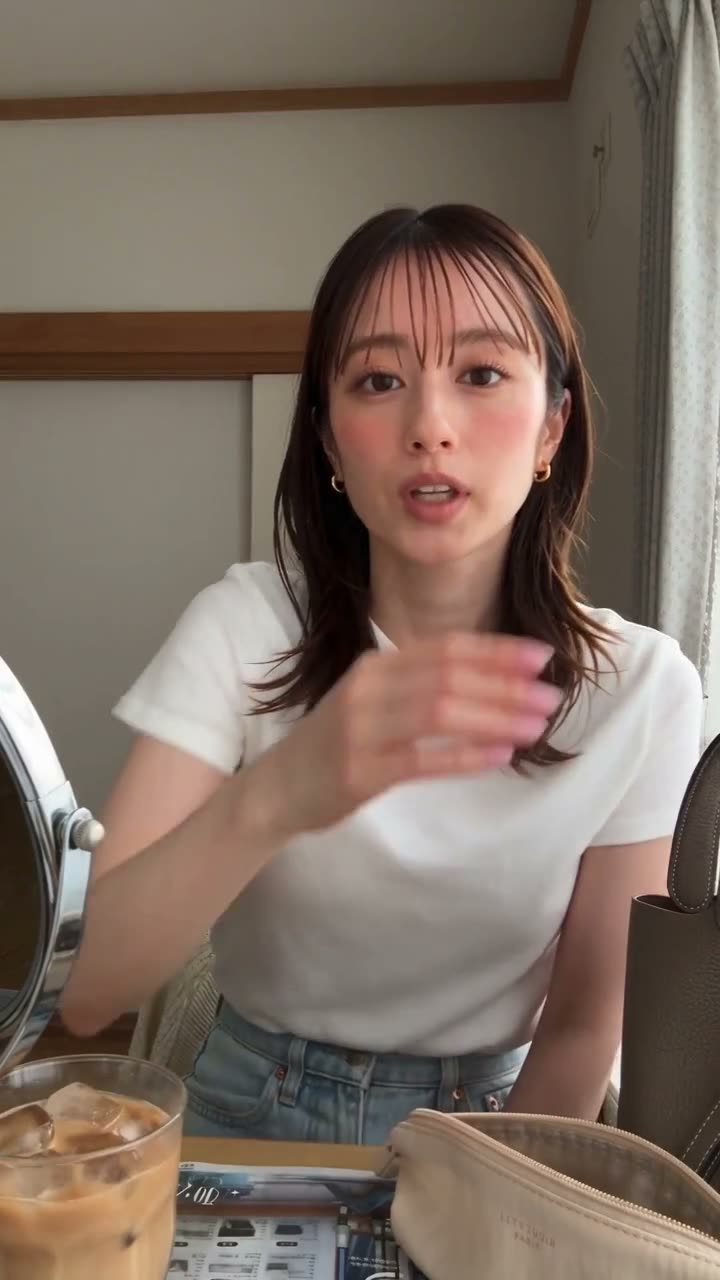
Each of the three shots specifies picture and audio. Check character consistency and how the music matches the fingers.
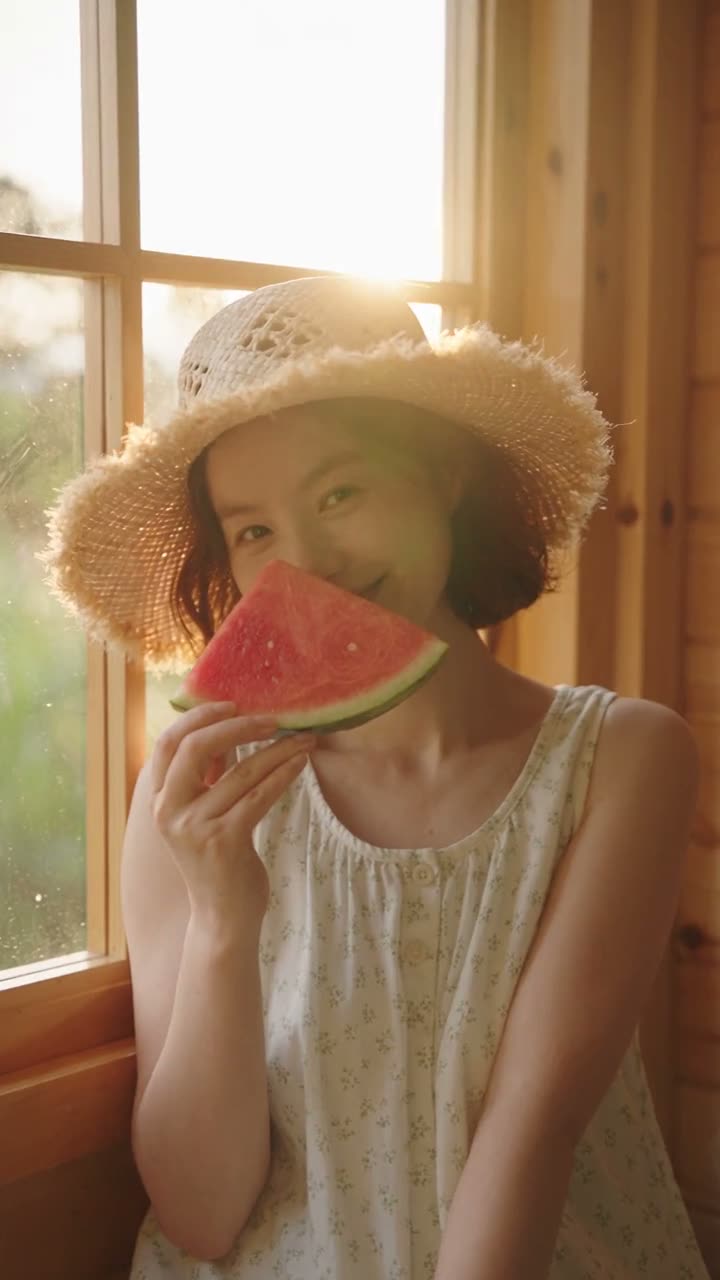
A head turn, a nose touch, a hug, with a push from medium shot to close-up. Check the action flow and expressions.
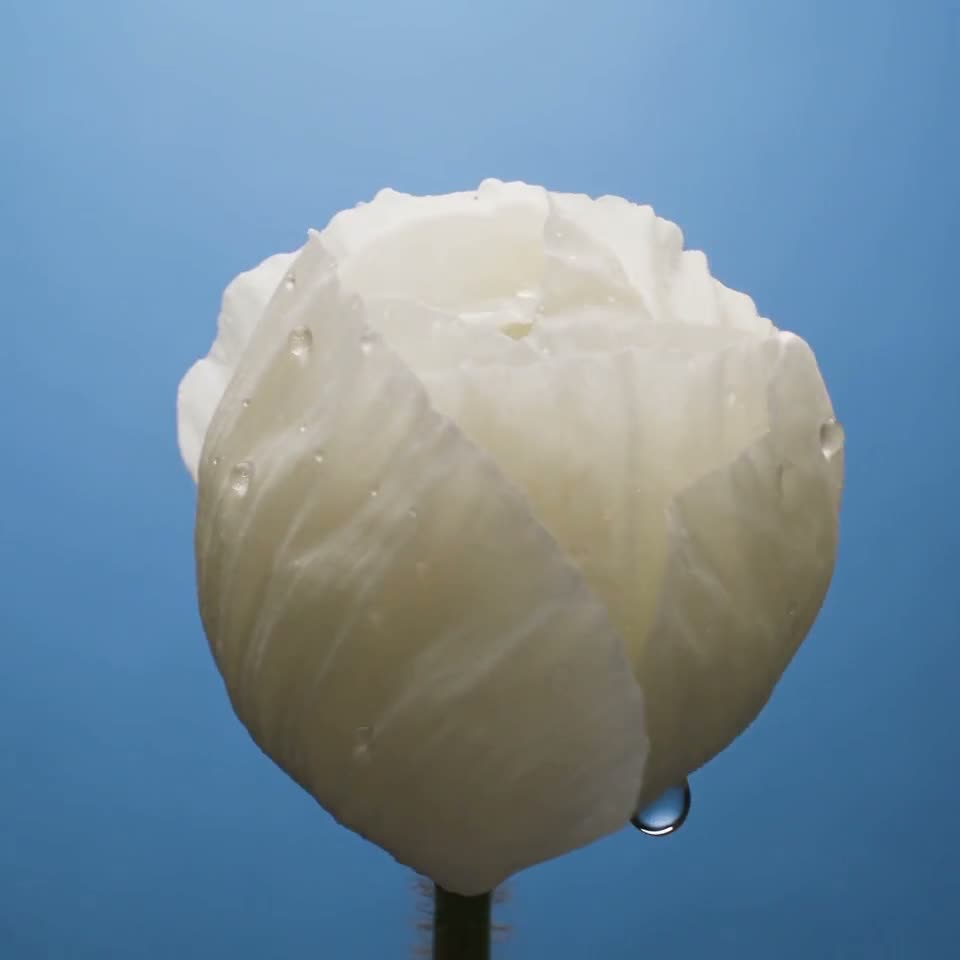
Petals open one by one against a clean gradient. Slow it down and look for skipped frames or flicker.
Each second has its shot size and camera move, with native audio. Check pacing, look and transitions.
OfoxAI generated these samples with bytedance/seedance-2.5; the prompts are the exact text used. Each clip is labeled with its resolution, duration, aspect ratio and whether it has audio, and “Reuse this shot” loads those same settings. They are for judging quality only — they don't indicate success rates or support comparisons with other models.
Prompts should direct the shot
Express subject, action, camera and constraints separately. The original templates below are drafting tools; actual results need to be verified by generating.
Subject and scene
Who, where, and which recognizable details must be kept.
Main action
How the action starts, how it changes and where it ends.
Camera and framing
Shot size, direction of movement, orientation, whether cuts are allowed.
Sound and constraints
Ambient sound or no audio; text, logos or actions that must not appear.


Choose a starting point
One shot, one selling point: surface finish, structure or a use gesture. Get the subject right before trying complex camera work.
01An unbranded ceramic mug on a clean wooden table. 03The camera pushes in slowly from a medium shot toward the rim while soft side light glides across the glaze. 02The mug stays still, the background is simple, and the whole clip is one continuous push-in. 045 seconds, 16:9, no captions, no extra text, no audio.
Build the opening and ending around one clear action. Leave room for captions in post — don't ask the model to render complex text.
01An adult in a plain tracksuit 02turns around once in a bright studio and ends facing the camera, standing still. 03The camera holds a fixed full-body frame with the subject centered throughout; 02clothing and limbs move naturally. 045 seconds, 9:16 vertical, single shot, no captions, text or logos, no audio.
Write the character's situation, action and emotional turn first. Don't hide unclear relationships behind lots of cuts.
01An adult sits by a quiet window, 02at first looking down at an envelope on the table, then slowly raising their head to look outside, their expression shifting from hesitation to calm. 03The camera pushes in slowly from a medium shot and settles on a close-up of the face; 04costume and setting stay unchanged. 10 seconds, 16:9, single shot, no captions, no extra text, no audio.
Break the process into observable steps; don't make hands, tools and objects do too much at once. Leave labels for post.
03Top-down view of 01a clean wooden workbench. 02A pair of hands folds a square sheet of paper in half, then in half again, and finishes a simple paper boat, placing it in the center of the table. 03The camera is locked off; 02the hand movements are clear and evenly paced, and the creases and deformation of the paper look real. 048 seconds, 16:9, single shot, no captions, no extra text, no audio.
Replaces the prompt, mode and settings in the Playground. Nothing is generated automatically.
Change one variable at a time
Round one: composition. Round two: the action. Round three: lighting or pacing. Keeping each round's prompt and result makes problems far easier to pin down than rewriting everything at once.
Know the cost up front
The budget follows the current settings. Validate the direction with short clips first, then decide whether to add duration or resolution.
Test budget for the current setup
Text to video · 720p · 15s
One clip
$3.60
3 runs total
$10.80
Estimated cost$10.80
Not a minimum top-up. Test runs are not usable clips; actual charges follow your live bill.
| Resolution | Text to Video / s | Video to Video / s |
|---|---|---|
| 480p | $0.11/s | $0.14/s |
| 720p | $0.24/s | $0.3/s |
| 1080p | $0.6/s | $0.71/s |
Live Ofox prices — the same rates used by the budget on the left. Image-to-video is not priced separately here, so no rate is assumed. Listed tiers apply to any audio setting. Several platforms serve this model; set provider.type in the request to pick one.
View live price sourceSuggested text-to-video test setups; costs are calculated live from current prices.
Confirm the subject and action are understood at the lowest cost; if not, fix the prompt and retry before upgrading.
Move to the delivery setup only once structure, edges, contact and continuity hold up; fix issues at this tier first.
Use only after direction and detail are settled, to confirm the final look at the target resolution.
From trying to building
Create a video task with the current prompt and parameters — no need to reassemble the request from the docs.
POST /v1/videosSend the model, prompt, duration, resolution and audio setting. Reference media goes into the request according to the mode.
GET /v1/videos/{id}Keep the returned task ID. Query until completed, failed, cancelled or expired; don't create the same task twice.
mirror_urls / unsigned_urlsCheck the task status first, then read the result URL. Prefer mirror_urls; fall back to unsigned_urls when missing.
Endpoints and fields follow the official code examples.
Read the developer docsmodelpromptduration / resolution / aspect_ratioframe_imagesinput_referencesgenerate_audioprovider.typeTell “not accepted” apart from “accepted but not finished”. Once creation returns a task ID, query that task first.
Check duration, enums, URLs and input type. First/last frames and ordinary references use different fields and can't be mixed in one request.
Verify your server-side key and available balance. Resolve authentication and billing first, then try creating again.
Keep the ID and query until a definite terminal status, with backoff to avoid frequent polling. A front-end timeout doesn't mean generation failed on the server.
Store the video in your own delivery storage once you have it. Don't treat temporary result URLs as a permanent library; confirm the task completed before downloading.
Already using an agent workflow?
Provide the goal, duration, aspect ratio, what each asset is for, a budget cap and acceptance criteria. Have the agent show the request and estimated cost first, create the task only after you confirm, keep the task ID and return the result or a clear error.
This is a copyable task brief; it doesn't connect to any agent or run any call. Keys stay in your server-side environment.
Questions before you start
Finally, other candidates
Pick candidates by the question you need to verify. These links help you keep evaluating; they don't represent a same-conditions quality ranking.