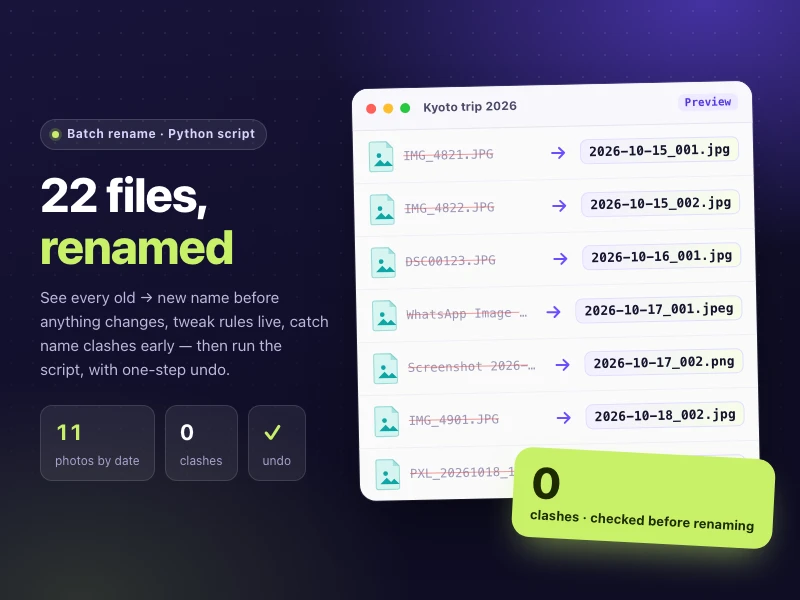
Batch rename files
Rename files in bulk by rule — dates, numbers, text replacement or date taken. Preview the old → new list with clashes flagged, then apply, with undo.
Prompt
Rename the photos in a folder by date taken_sequence number (e.g. 2026-10-15_001.jpg), with lowercase extensions. Show me the old → new name table first and flag any name clashes instead of overwriting. Then give me a script I can run on my computer that previews by default, plus a script to undo the rename.
- Source
- Ofox
How to use
- 1
Tap “Make one like this”
Ofox Chat opens with this request already written. Sign in first if you haven’t.
- 2
Make it yours
Edit the highlighted parts of the prompt to swap in your own details.
- 3
Send and create
Send it and Ofox Chat writes and runs the code, then you can preview or download the result. Keep chatting to change it.
FAQ
What do I get?
A web page you can open right away. Ofox Chat writes the code and runs it in a sandbox; you can preview the result in the chat and download the code files.
Do I need to know how to code?
No. Describe what you want in plain words and upload any files it should work on — Ofox Chat writes and runs the code.
Can I edit the prompt?
Yes. The prompt goes into the Ofox Chat input box — swap in your own topic, add requirements or drop what you don’t need before sending.
Can I copy and use the prompt directly?
Yes. Tap “Copy” on the prompt card to get the plain text — it works in other AI coding tools too.
More like this
More Files prompts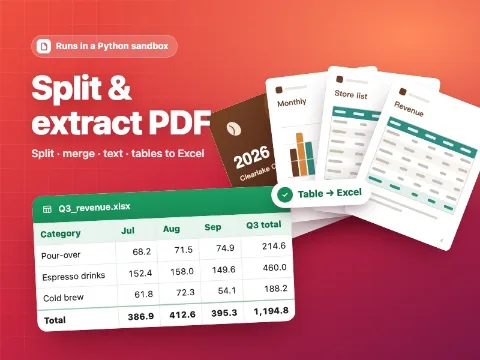 Split & extract PDFCode · Files
 Product landing pageCode · Web pages
 Fashion brand storeCode · Web pages
 Food gift shopCode · Web pages
 Digital goods marketplaceCode · Web pages
 Subscription box siteCode · Web pages
 SaaS pricing & checkoutCode · Web pages
 Web mini gameCode · Game
 Racing gameCode · Game
 Space shooterCode · Game
Have an idea of your own? Start creating
Describe the image you want in one sentence, and Ofox Chat creates it from scratch.