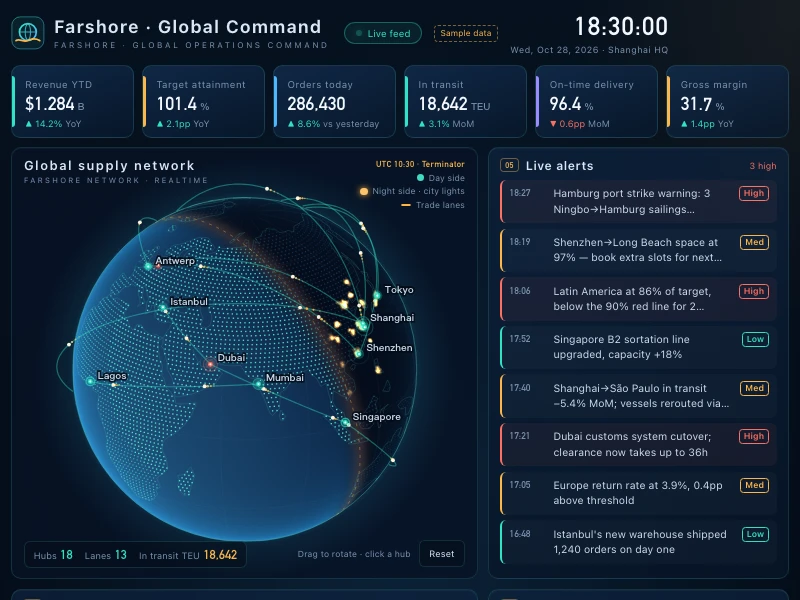
Global command center
A wall-mounted global operations dashboard: a draggable 3D globe with day and night and glowing trade lanes, surrounded by KPIs, attainment, alerts and rankings you can drill into.
Prompt
Build a live command-center wall display for the global business of Farshore, a cross-border supply chain company: a draggable 3D globe in the center showing the day/night terminator, city lights on the night side and glowing trade-lane arcs between hubs — click a hub for details. Around it: a KPI strip with rolling numbers, regional target attainment (drill down to cities and stores), a business-mix donut, revenue vs. target trend, a scrolling live alert feed and top trade lanes, plus a live clock in the top right. Focus on revenue, orders, cargo in transit and exceptions, in a dark tech style: navy with teal and amber accents. Fit it on one 16:9 screen, and make it work on laptops and phones too.
- Source
- Ofox
How to use
- 1
Tap “Make one like this”
Ofox Chat opens with this request already written. Sign in first if you haven’t.
- 2
Make it yours
Edit the highlighted parts of the prompt to swap in your own details.
- 3
Send and create
Send it and Ofox Chat writes and runs the code, then you can preview or download the result. Keep chatting to change it.
FAQ
What do I get?
A web page you can open right away. Ofox Chat writes the code and runs it in a sandbox; you can preview the result in the chat and download the code files.
Do I need to know how to code?
No. Describe what you want in plain words and upload any files it should work on — Ofox Chat writes and runs the code.
Can I edit the prompt?
Yes. The prompt goes into the Ofox Chat input box — swap in your own topic, add requirements or drop what you don’t need before sending.
Can I copy and use the prompt directly?
Yes. Tap “Copy” on the prompt card to get the plain text — it works in other AI coding tools too.
More like this
More Data prompts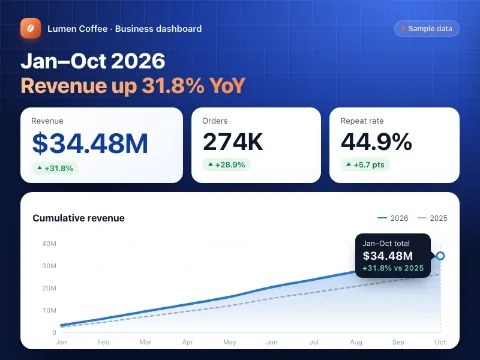 Data dashboardCode · Data
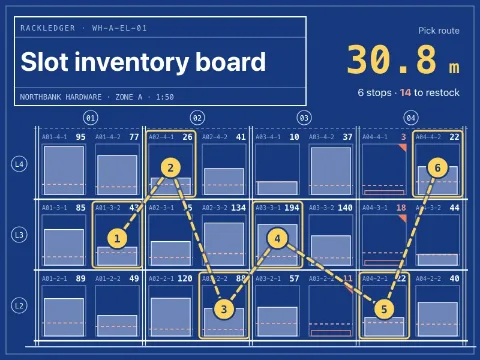 Slot inventory boardCode · Data
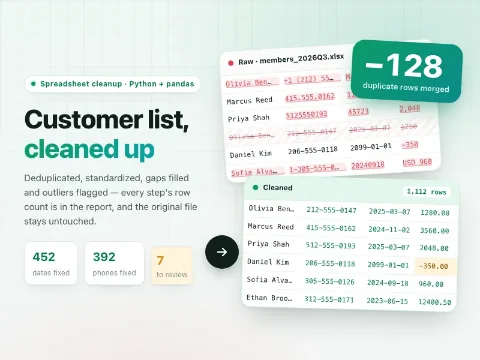 Clean up a spreadsheetCode · Data
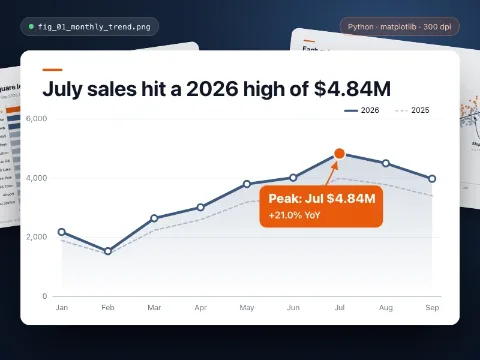 Data chartCode · Data
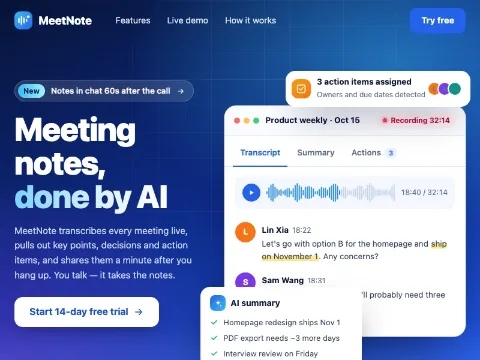 Product landing pageCode · Web pages
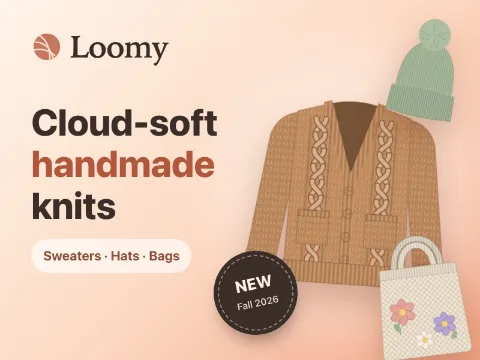 Fashion brand storeCode · Web pages
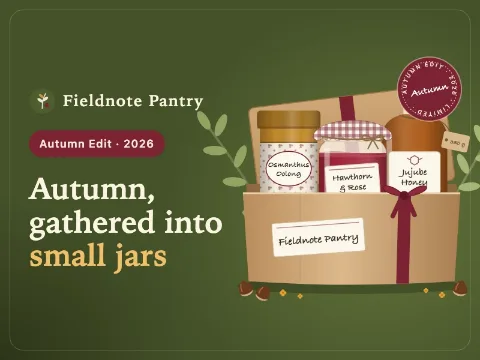 Food gift shopCode · Web pages
 Digital goods marketplaceCode · Web pages
 Subscription box siteCode · Web pages
 SaaS pricing & checkoutCode · Web pages
Have an idea of your own? Start creating
Describe the image you want in one sentence, and Ofox Chat creates it from scratch.