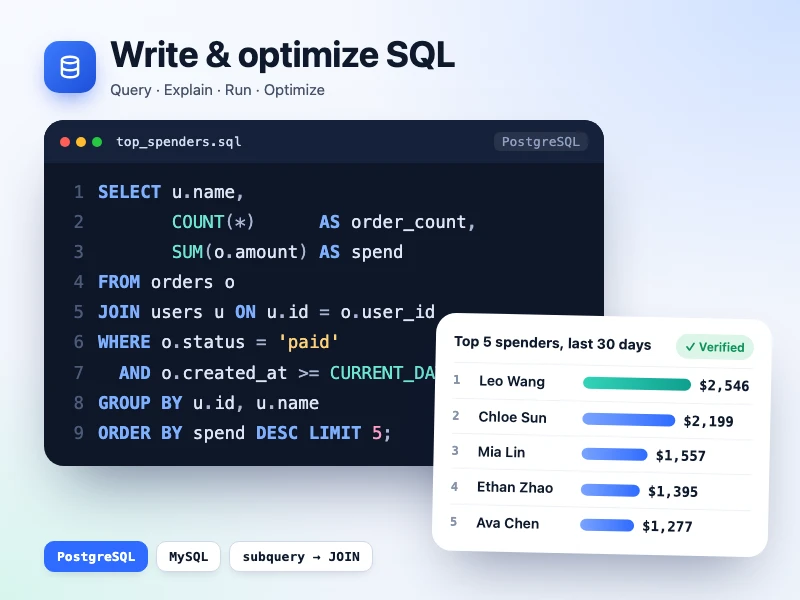
Write & optimize SQL
Write SQL for your need or speed up a slow query, explained clause by clause, run on sample data, with MySQL / PostgreSQL differences noted.
Prompt
Write a SQL query that finds the top 10 users by spend in the last 30 days, with their order counts (paid orders only) from the orders and users tables, for PostgreSQL. Explain it clause by clause, run it on a few rows of sample data to show the result, and note what would change for MySQL.
- Source
- Ofox
How to use
- 1
Tap “Make one like this”
Ofox Chat opens with this request already written. Sign in first if you haven’t.
- 2
Make it yours
Edit the highlighted parts of the prompt to swap in your own details.
- 3
Send and create
Send it and Ofox Chat writes and runs the code, then you can preview or download the result. Keep chatting to change it.
FAQ
What do I get?
A web page you can open right away. Ofox Chat writes the code and runs it in a sandbox; you can preview the result in the chat and download the code files.
Do I need to know how to code?
No. Describe what you want in plain words and upload any files it should work on — Ofox Chat writes and runs the code.
Can I edit the prompt?
Yes. The prompt goes into the Ofox Chat input box — swap in your own topic, add requirements or drop what you don’t need before sending.
Can I copy and use the prompt directly?
Yes. Tap “Copy” on the prompt card to get the plain text — it works in other AI coding tools too.
More like this
More Dev tools prompts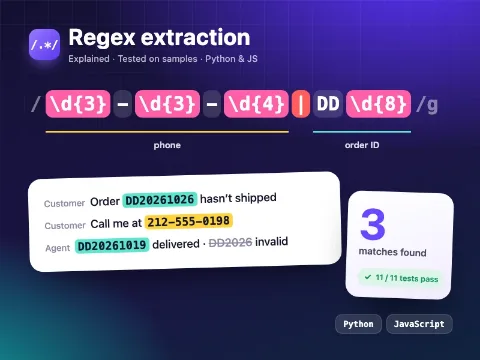 Regex extractionCode · Dev tools
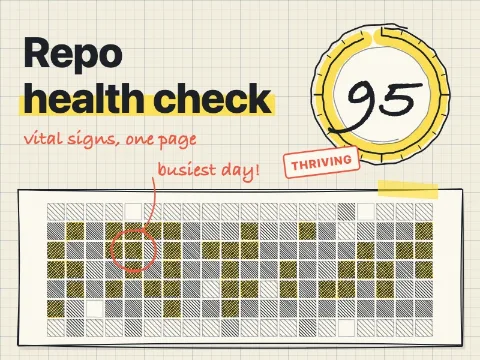 Repo health checkCode · Dev tools
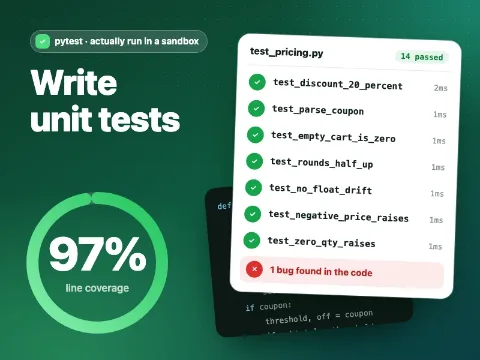 Write unit testsCode · Dev tools
 Product landing pageCode · Web pages
 Fashion brand storeCode · Web pages
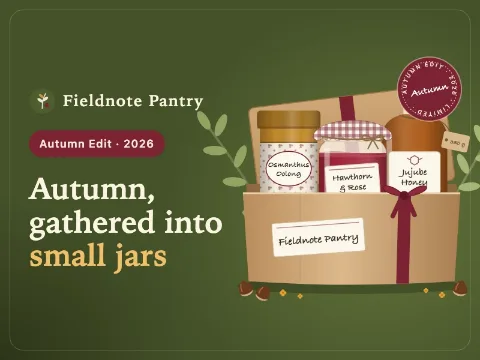 Food gift shopCode · Web pages
 Digital goods marketplaceCode · Web pages
 Subscription box siteCode · Web pages
 SaaS pricing & checkoutCode · Web pages
 Web mini gameCode · Game
Have an idea of your own? Start creating
Describe the image you want in one sentence, and Ofox Chat creates it from scratch.