Seedream(豆包)系列
字节跳动的豆包图像模型,共三款,通过 OpenAI 兼容接口 /v1/images/generations 调用,文生图与改图均使用该端点。
模型选择
volcengine/doubao-seedream-5.5volcengine/doubao-seedream-5.0-flashvolcengine/doubao-seedream-5.0-pro实时价格请参阅模型页 。
文生图
Python
import base64
from openai import OpenAI

client = OpenAI(api_key="YOUR_OFOX_API_KEY", base_url="https://api.ofox.ai/v1", timeout=600)

resp = client.images.generate(
    model="volcengine/doubao-seedream-5.0-pro",
    prompt="白色桌面上的一个红苹果",
    size="2560x1440",
)

with open("output.jpg", "wb") as f:
f.write(base64.b64decode(resp.data[0].b64_json))5.0 Pro 的示例保存为 JPEG。5.0 Flash 和 5.5 可将 output_format 设为 png 或 jpeg。使用 5.5 生成透明背景 PNG 时,设置 background: "transparent" 和 output_format: "png"。将 response_format 设为 url 可返回图片链接。
下载 Seedream 5.5 生成的图片
IMAGE_URL=$(curl -fsS https://api.ofox.ai/v1/images/generations \
  --max-time 600 \
  -H "Authorization: Bearer $OFOX_API_KEY" \
  -H "Content-Type: application/json" \
  -d '{
    "model": "volcengine/doubao-seedream-5.5",
    "prompt": "One red apple on a plain white background.",
    "size": "1K",
    "response_format": "url"
  }' | jq -er '.data[0].url') &&
curl -fsSL --max-time 60 --proto '=https' --proto-redir '=https' "$IMAGE_URL" -o seedream.png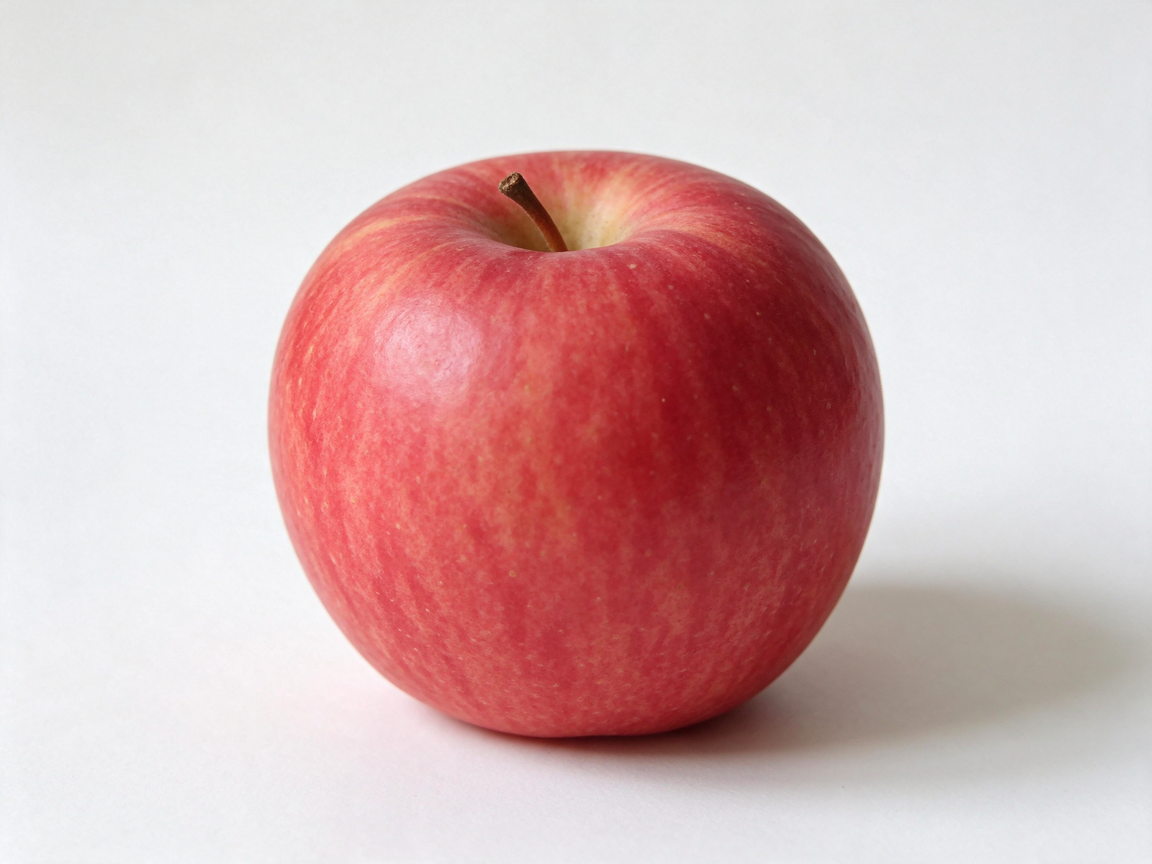
以下为响应节选,临时链接用占位地址表示。实测下载返回的链接得到 PNG 图片。
{
  "model": "volcengine/doubao-seedream-5.5",
  "data": [
    {
      "url": "https://images.example.com/seedream.png"
    }
  ],
  "usage": {
    "generated_images": 1
  }
}
保存 Seedream 5.5 生成的透明 PNG
set -o pipefail
curl -fsS https://api.ofox.ai/v1/images/generations \
  --max-time 600 \
  -H "Authorization: Bearer $OFOX_API_KEY" \
  -H "Content-Type: application/json" \
  -d '{
    "model": "volcengine/doubao-seedream-5.5",
    "prompt": "One solid red circle centered on a fully transparent background. No other elements.",
    "size": "1K",
    "output_format": "png",
    "background": "transparent"
  }' | jq -er '.data[0].b64_json' | base64 --decode > seedream-transparent.png
以下为响应节选,已省略 Base64 内容。解码后得到 1024×1024 的 PNG,包含 Alpha 通道,部分像素的 Alpha 值为 0。
{
  "model": "volcengine/doubao-seedream-5.5",
  "data": [
    {
      "b64_json": "BASE64_PNG_OMITTED"
    }
  ],
  "usage": {
    "generated_images": 1
  }
}
尺寸(size)
5.5 和 5.0 Flash 支持 1K、1.5K 和 2K。5.0 Pro 的 1k 和 2k 用于选择分辨率。要指定 5.0 Pro 的宽高比,可传入 2560x1440 这样的精确尺寸。实测 5.0 Pro 的最低像素数为 921,600。
改图与多图参考
image 字段,而非 input_images;不支持 /v1/images/edits。Python
import base64
from openai import OpenAI

client = OpenAI(api_key="YOUR_OFOX_API_KEY", base_url="https://api.ofox.ai/v1", timeout=600)

with open("apple.jpg", "rb") as f:
    ref = "data:image/jpeg;base64," + base64.b64encode(f.read()).decode()

resp = client.images.generate(
    model="volcengine/doubao-seedream-5.0-pro",
    prompt="把苹果改成紫色,其他保持不变",
    size="2k",
    extra_body={"image": [ref]},
)

with open("apple_purple.jpg", "wb") as f:
f.write(base64.b64decode(resp.data[0].b64_json))image为数组,每项为图片 URL 或以data:image/...;base64,开头的字符串。多张参考图依次放入数组,并在提示词中说明每张图片的作用。input_images为 Qwen-Image 专用字段,Seedream 不支持。- Seedream 不支持
/v1/images/edits,改图请使用本节的image字段。
生成多张图片
需要多张图时,每张图单独发送一次请求。如果 5.0 Pro 拒绝请求,请移除 n 和 sequential_image_generation。
水印
实测通过 OfoxAI 调用时默认不带水印,无需额外传参。
耗时
生成图片时,建议将客户端超时设为 300 秒或更长。
常见报错
报错原文末尾的 Request id: 0217… 为上游请求号,联系技术支持时请与响应中的 request_id 一并提供。
报错原文
The parameter `size` specified in the request are not valid: image area must be at least 921600 pixels.
The parameter `size` specified in the request are not valid: must be 'WIDTHxHEIGHT' or a supported size preset.
The parameter `sequential_image_generation` specified in the request are not valid: the parameter `sequential_image_generation` is not supported by the current model.
官方文档
官方文档描述的是直连火山方舟时的行为;通过 OfoxAI 调用时,以本页实测结论为准。
常见问题
Seedream 怎么改图?用 input_images 没有效果?
Seedream 的参考图字段是 image(数组,每项是图片 URL 或 data:image 开头的 base64),不是 input_images,input_images 是 Qwen-Image 的字段。另外 Seedream 不支持 /v1/images/edits,改图同样使用 /v1/images/generations。
Seedream 组图怎么一次生成多张?
需要多张图时,每张图单独发送一次请求。如果 5.0 Pro 拒绝请求,请移除 n 和 sequential_image_generation。
Seedream 5.0 Pro 传 n 报 sequential_image_generation is not supported?
5.0 Pro 不支持一次生成多张,n 和组图参数都会返回此报错。删除 n,如需多张,请并发发起多次请求。
Seedream 生成的图片有水印吗?
通过 OfoxAI 调用,实测默认不带水印,无需额外传参。
Seedream 能输出 PNG 吗?
5.0 Flash 和 5.5 可将 output_format 设为 png 或 jpeg。使用 5.5 生成透明背景 PNG 时,设置 background: "transparent" 和 output_format: "png"。
Seedream 的 size 传 2k 为什么比例不固定?
5.5 和 5.0 Flash 支持 1K、1.5K 和 2K。5.0 Pro 的 1k 和 2k 用于选择分辨率。要指定 5.0 Pro 的宽高比,可传入 2560x1440 这样的精确尺寸。实测 5.0 Pro 的最低像素数为 921,600。