Images API
Two endpoints: Generate (text → image) and Edit (image + text → image). Both responses follow the OpenAI standard shape data[0].b64_json.
| What you want to do | Endpoint | Supported models |
|---|---|---|
| Generate an image from text | POST /v1/images/generations | openai/gpt-image-2, google/gemini-3.1-flash-image, bailian/qwen-image-3.0-pro |
| Upload an image and edit it with a prompt | POST /v1/images/edits | OpenAI / Azure only: openai/gpt-image-2, openai/gpt-image-1.5 |
Two exceptions for image-to-image: the Qwen series does image-to-image through the input_images field on generations, not edits; the Gemini series cannot edit on either endpoint on this page — use the Gemini native protocol instead.
Pinning a provider
provider.type pins the request to one provider. It only means something for models served by more than one — today that is openai/gpt-image-2 (azure_foundry and openai). Naming a provider that does not serve the model returns 400 provider_type_unavailable.
| Provider | Description | Content moderation |
|---|---|---|
azure_foundry | Hosted on Microsoft Azure | Stricter |
openai | OpenAI’s own API | More permissive |
The two providers of openai/gpt-image-2 do not moderate to the same standard: azure_foundry is stricter, openai is more permissive. Pin provider.type: "openai" explicitly when a prompt keeps getting rejected — without it the weighted split may land on azure_foundry.
Full reference: API · Provider routing.
Text to image — /v1/images/generations
/v1/images/generations takes a JSON body, so either the body field or the header works.
Python
resp = client.images.generate(
    model="openai/gpt-image-2",
    prompt="A simple red apple on a white table",
    size="1024x1024",
    extra_body={"extra_body": {"provider": {"type": "openai"}}},
)With the official OpenAI SDKs, extra_body must be present as a literal key in the request body. The TypeScript SDK sends it as written in the params object. The Python SDK’s extra_body= argument merges its contents into the top level of the body, so the key must be nested one level deeper, or passed as a request header instead.
Image editing — /v1/images/edits
/v1/images/edits is a multipart upload — there is no JSON body to nest extra_body in, so only the header works here. Passing extra_body as a form field is ignored and the request goes through unconstrained.
curl https://api.ofox.ai/v1/images/edits \
  -H "Authorization: Bearer $OFOX_API_KEY" \
  -H "X-OfoxAI-Provider-Type: openai" \
  -F "model=openai/gpt-image-2" \
  -F "prompt=..." \
  -F "image=@input.png"
On /v1/images/edits, extra_body sent as a form field is silently ignored — the image is generated without the constraint. Use X-OfoxAI-Provider-Type instead.
Generate images
POST https://api.ofox.ai/v1/images/generationsParameters
| Parameter | Type | Required | Description |
|---|---|---|---|
model | string | ✅ | openai/gpt-image-2, google/gemini-3.1-flash-image, bailian/qwen-image-3.0-pro |
prompt | string | ✅ | Natural-language description |
quality | string | ✅ | auto / low / medium / high / standard / hd |
n | number | — | 1–10, default 1. Not supported by Gemini models |
size | string | — | auto / 1024x1024 / 1536x1024 / 1024x1536 / 256x256 / 512x512 / 1792x1024 / 1024x1792 |
input_images | string[] | — | Reference images (URL or base64), supported by Qwen image models, 1–3 items; response contains usage.num_input_images when in effect |
output_format | string | — | png / jpeg / webp |
background | string | — | transparent / opaque / auto |
stream | boolean | — | Default false |
extra_body.provider.type | string | — | Pin the request to a provider. Only meaningful for models carried by more than one provider (on this endpoint, currently openai/gpt-image-2); the header X-OfoxAI-Provider-Type is equivalent |
Response
{
  "created": 1777385517,
  "data": [
    { "b64_json": "<image Base64>", "index": 0 }
  ],
  "model": "openai/gpt-image-2",
  "size": "1024x1024",
  "quality": "low",
  "usage": {
    "input_tokens": 14,
    "input_tokens_details": { "text_tokens": 14 },
    "output_tokens": 208,
    "total_tokens": 222
  }
}
The image lives in data[0].b64_json — base64-decode and save it.
OpenAI series (gpt-image-2)
Python
import base64
from openai import OpenAI

client = OpenAI(api_key="YOUR_OFOX_API_KEY", base_url="https://api.ofox.ai/v1")

resp = client.images.generate(
    model="openai/gpt-image-2",
    prompt="A simple red apple on a white table",
    size="1024x1024",
    quality="low",
    output_format="png",
    # Optional: pin a provider. Omit it and the platform routes for you
    # extra_body={"extra_body": {"provider": {"type": "openai"}}},
)

with open("output.png", "wb") as f:
f.write(base64.b64decode(resp.data[0].b64_json))Sample output:
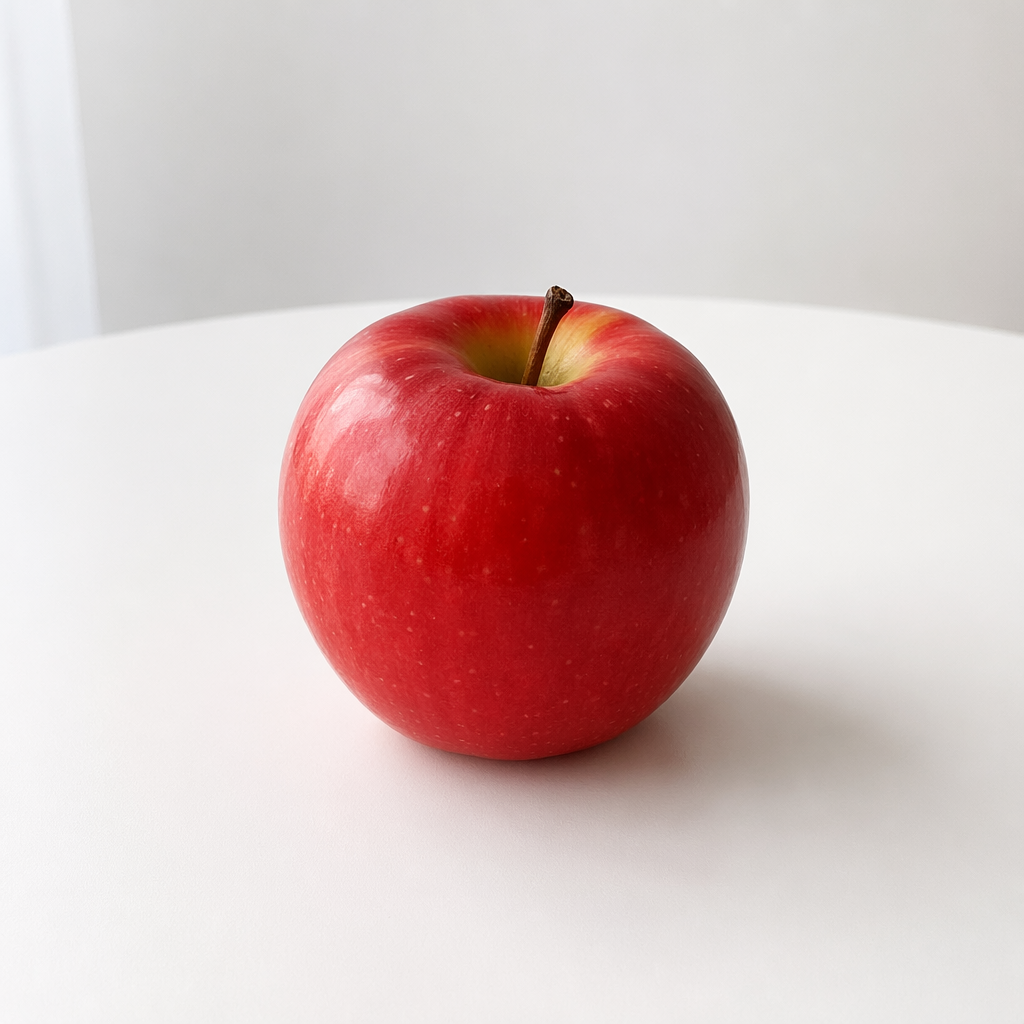
Gemini series (gemini-3.1-flash-image)
The same endpoint also accepts Gemini image models. Do not pass n — the gateway maps n incorrectly to the numberOfImages field and returns 400. Each call produces exactly one image.
Python
import base64
from openai import OpenAI

client = OpenAI(api_key="YOUR_OFOX_API_KEY", base_url="https://api.ofox.ai/v1")

resp = client.images.generate(
    model="google/gemini-3.1-flash-image",
    prompt="A simple red apple on a white table, photorealistic",
    size="1024x1024",
    quality="low",
    output_format="png",
)

with open("output.png", "wb") as f:
f.write(base64.b64decode(resp.data[0].b64_json))Sample output:

Qwen series (qwen-image-3.0-pro)
Qwen image models such as bailian/qwen-image-3.0-pro accept reference images (1–3) directly on this endpoint for image-to-image / editing, via the input_images field (each element is an image URL or base64):
curl -X POST 'https://api.ofox.ai/v1/images/generations' \
  -H 'Authorization: Bearer YOUR_OFOX_API_KEY' \
  -H 'Content-Type: application/json' \
  -d '{
    "model": "bailian/qwen-image-3.0-pro",
    "prompt": "Change the apple to blue, keep everything else the same",
    "size": "1024x1024",
    "input_images": ["https://example.com/ref-apple.png"]
  }'
When reference images take effect, the response usage contains num_input_images — use it to programmatically confirm the model actually consumed your reference image.
The field name must be input_images. Other spellings such as image_urls, image, or images are silently ignored and the request degrades to plain text-to-image (still HTTP 200).
Edit images
POST https://api.ofox.ai/v1/images/editsmultipart/form-data — you must upload an image file.
This endpoint only supports OpenAI / Azure OpenAI models. Calling it with google/gemini-3.1-flash-image returns Image editing is not supported for model — switch to editing via the Gemini native protocol.
Parameters
| Parameter | Type | Required | Description |
|---|---|---|---|
model | string | ✅ | openai/gpt-image-2, openai/gpt-image-1.5 (edit-optimized, supports input_fidelity) |
image | file | ✅ | PNG / JPEG file, max 15 MB per file, 50 MB total request body. The gateway sets no image-count limit of its own: the upstream decides, and 16 per request is the recommended ceiling. Keep each file under ~5 MB when you can: the model rescales inputs to roughly a 1024 px canvas, so larger files only add upload time |
prompt | string | ✅ | Edit instruction |
quality | string | ✅ | low / medium / high |
n | number | — | Default 1 |
size | string | — | auto keeps the original size |
X-OfoxAI-Provider-Type | header | — | Pin the request to a provider. This endpoint is a multipart upload, so only the header works — an extra_body form field is silently ignored |
Response
Same shape as generation:
{
  "created": 1777385669,
  "data": [
    { "b64_json": "<edited image Base64>", "index": 0 }
  ],
  "model": "openai/gpt-image-2",
  "size": "auto",
  "quality": "low",
  "usage": {
    "input_tokens": 1041,
    "input_tokens_details": { "image_tokens": 1024, "text_tokens": 17 },
    "num_input_images": 1,
    "output_tokens": 358,
    "total_tokens": 1399
  }
}
usage.input_tokens_details.image_tokens is the tokens consumed by the input image; num_input_images is the input image count.
See supported models and pricing in the Model Catalog .
Call
Python
import base64
from openai import OpenAI

client = OpenAI(api_key="YOUR_OFOX_API_KEY", base_url="https://api.ofox.ai/v1")

with open("apple.png", "rb") as f:
    resp = client.images.edit(
        model="openai/gpt-image-2",
        image=f,
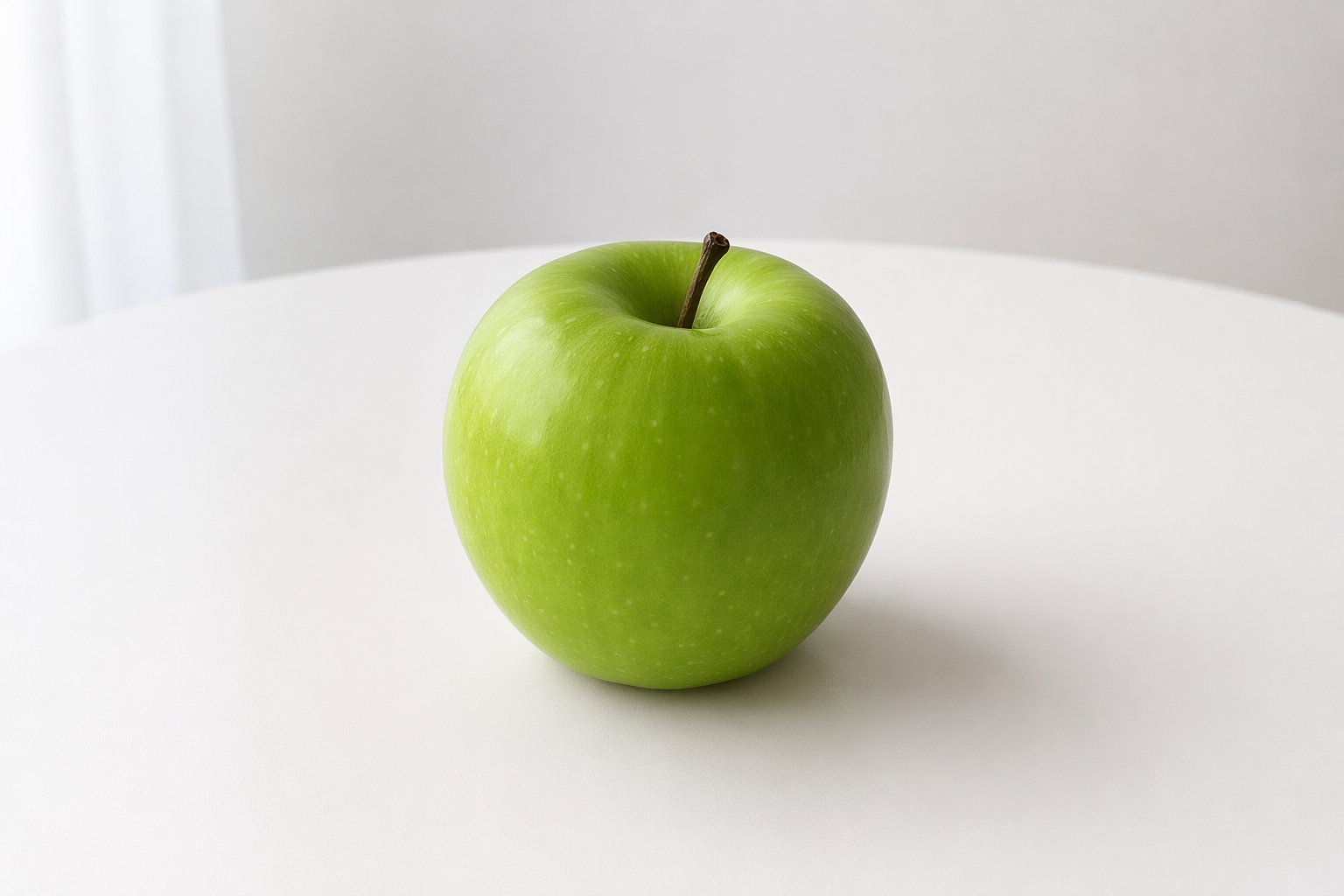
        prompt="把苹果改成绿色,其他保持不变",
        size="auto",
        quality="low",
        # Optional: pin a provider. This endpoint is multipart, so only the header works
        # extra_headers={"X-OfoxAI-Provider-Type": "openai"},
    )

with open("apple_edited.png", "wb") as out:
out.write(base64.b64decode(resp.data[0].b64_json))The image field takes a local file path (with the @ prefix in cURL), not a URL.
Before / after:
| Original | Edited |
|---|---|
|  |