LlamaIndex Configuration
LlamaIndex is a data framework for building LLM applications, focused on RAG (Retrieval-Augmented Generation) and AI Agent scenarios. Since OfoxAI is fully compatible with the OpenAI protocol, you only need to change the api_base to get started.
Prerequisites
- An OfoxAI account with an API Key (Get one here )
- Python 3.10+ installed
Configuration Steps
Step 1: Install Dependencies
pip3 install llama-index llama-index-llms-openai-like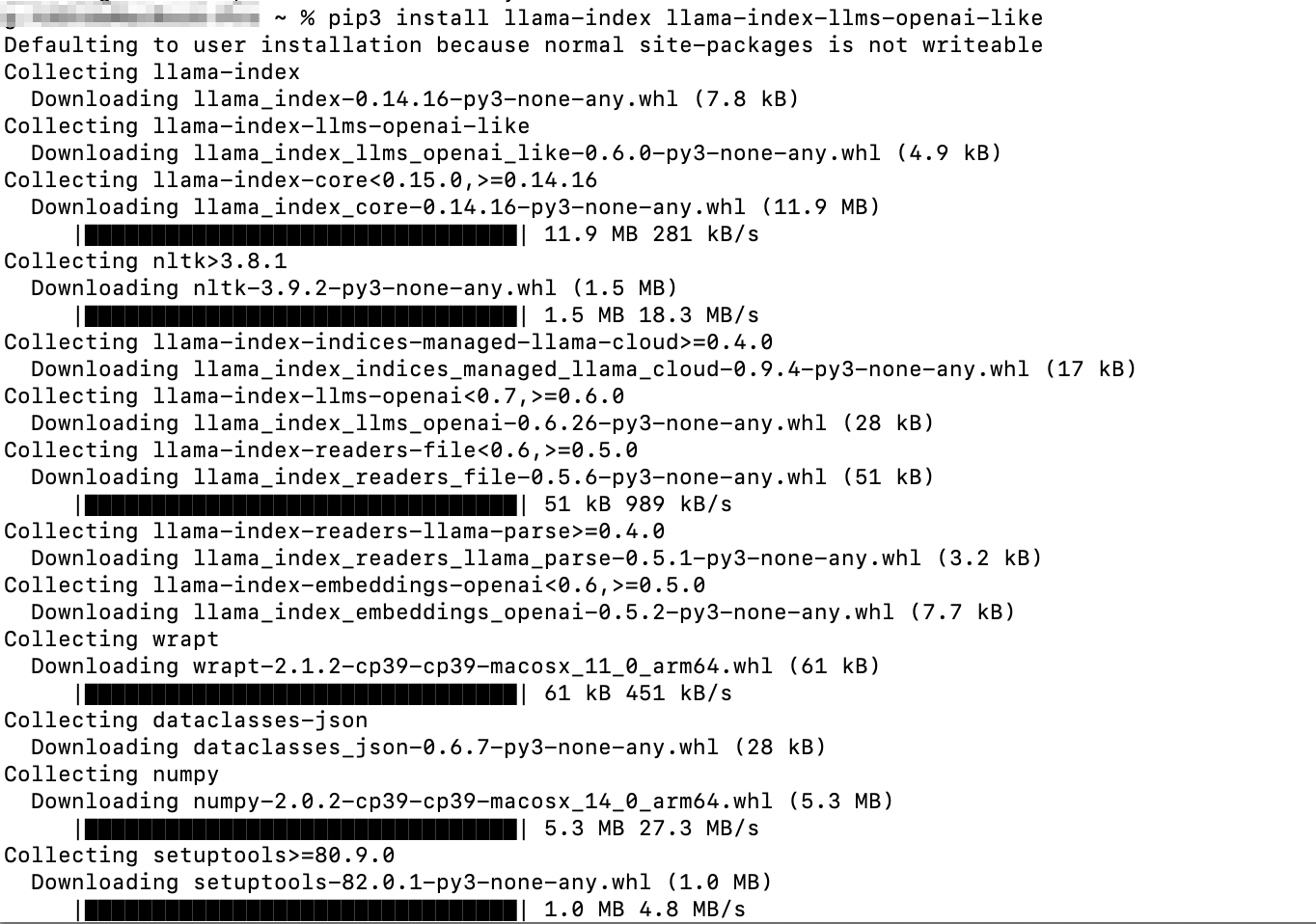
Step 2: Configure and Run
Create a file test_llamaindex.py:
from llama_index.llms.openai_like import OpenAILike

llm = OpenAILike(
    model="openai/gpt-6.1-sol",
    api_base="https://api.ofox.ai/v1",
    api_key="<YOUR_OFOXAI_API_KEY>",
    is_chat_model=True
)

response = llm.complete("Hello, introduce yourself")
print(response)
Run:
python3 -W ignore test_llamaindex.py
Available Models
For recommended models, see the OfoxAI Model Marketplace .
LlamaIndex APIs may change across versions. Please refer to the LlamaIndex official documentation .
FAQ
Q: ModuleNotFoundError: No module named 'llama_index'
Run pip3 install llama-index llama-index-llms-openai-like to install the dependencies.
Q: TypeError: unsupported operand type(s) for |
Your Python version is too old. Please upgrade to Python 3.10 or above.
Q: API Key is invalid
Make sure the api_key is your OfoxAI API Key, which you can get from the OfoxAI Console .